


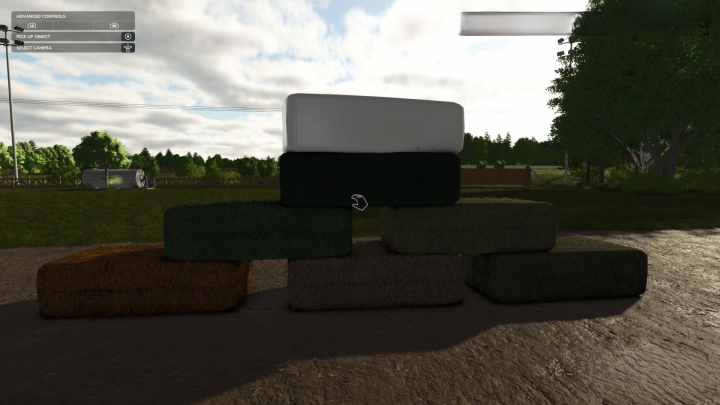

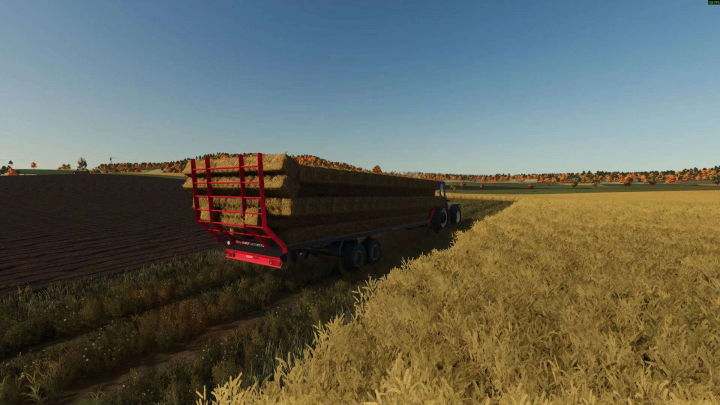
Rustic Acres Bale Sales V1.0


3
Your rating:
Miziuu, ZlotowkaScammer, BohdanModding
 712.02 KB
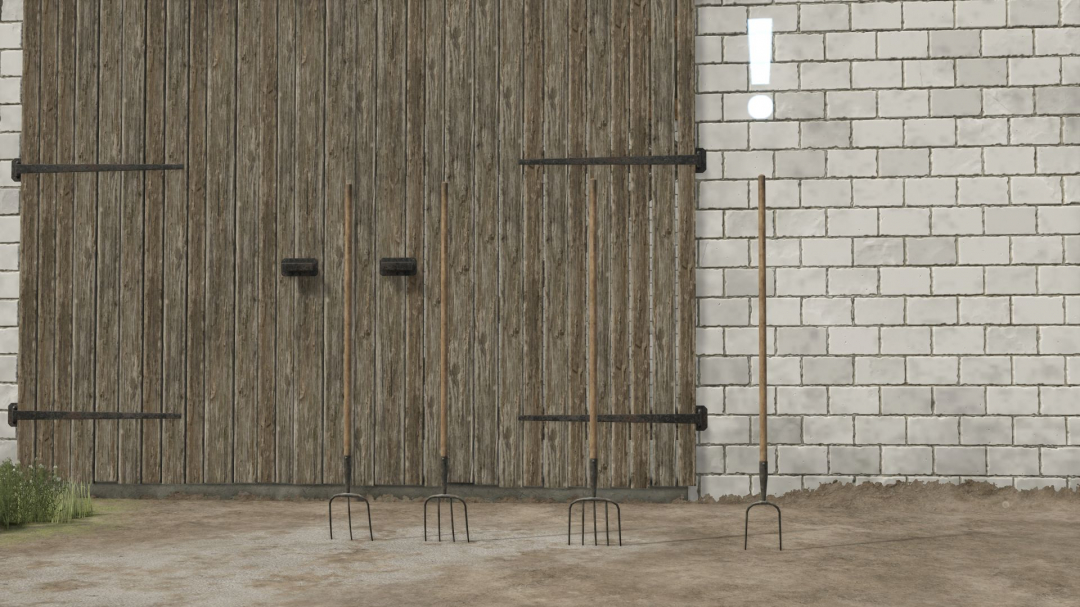
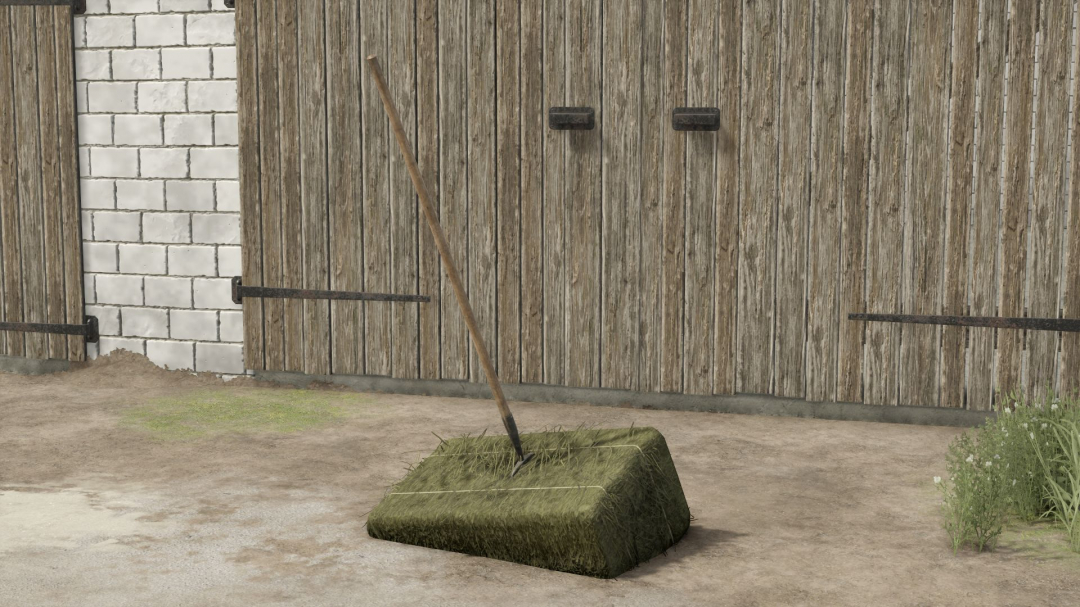
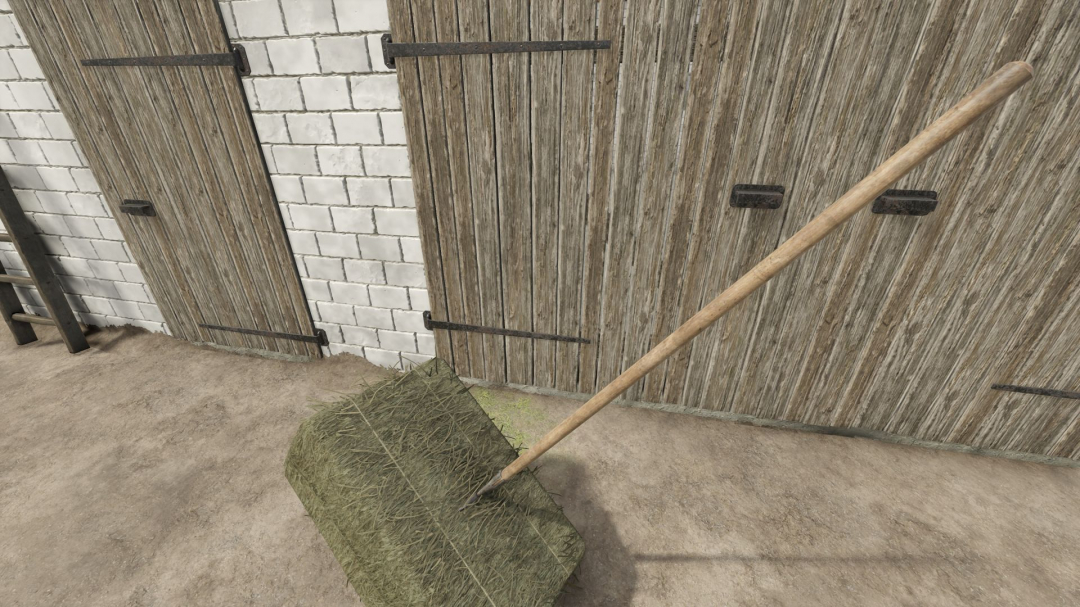
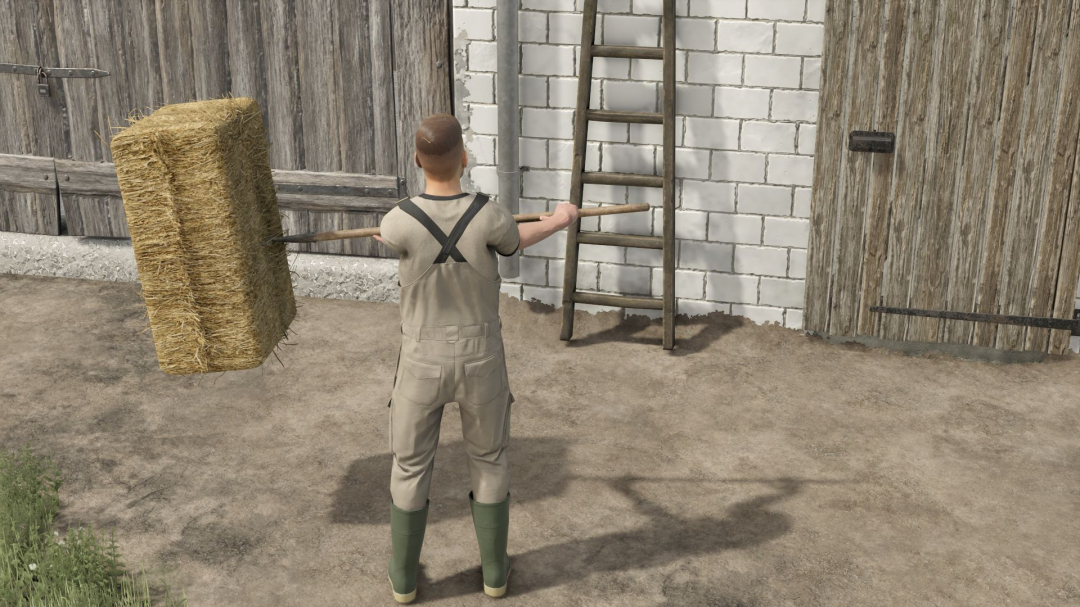
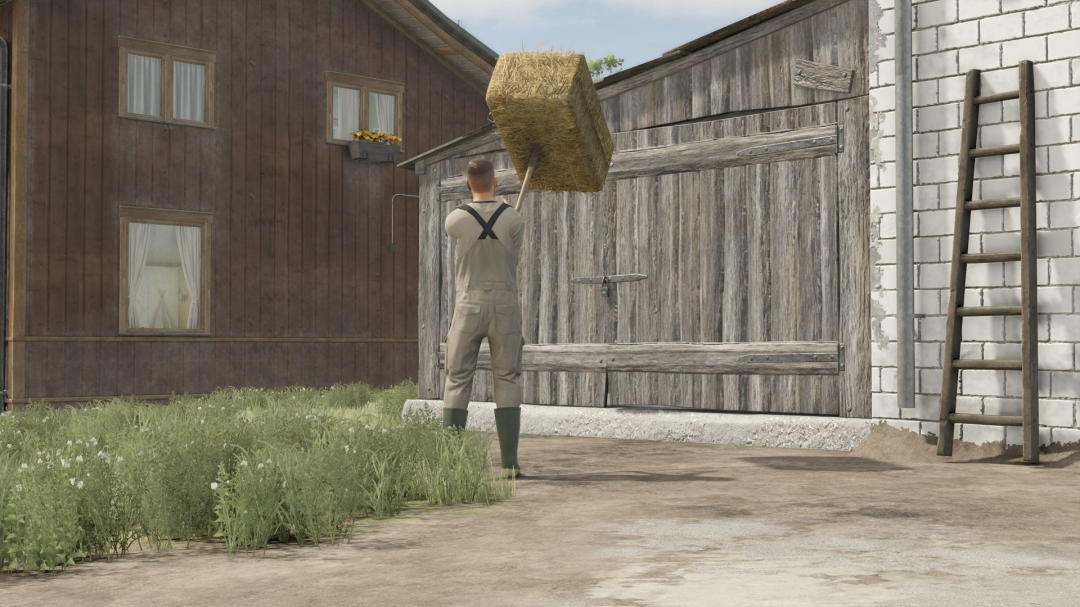
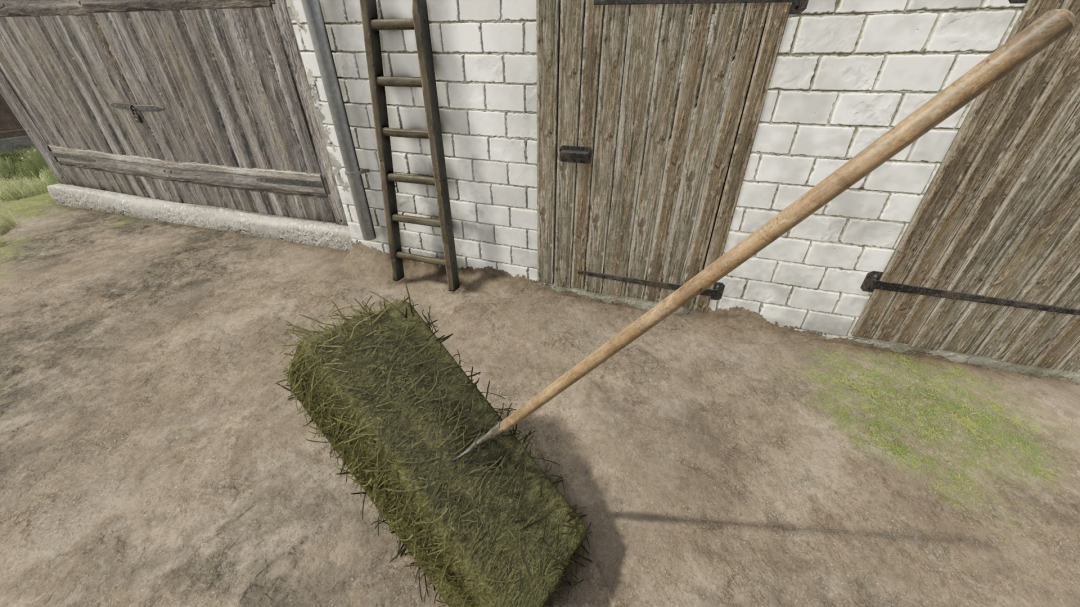
How Forks Work and How to Use Them
Forks operate as follows:
- Left mouse button: Lowers and raises the forks depending on mouse movement. (Push down to lower, and when reaching the maximum, the forks bounce back up automatically. Pushing down again to the max makes them bounce back to the initial position, i.e., straight in front of the character.)
- Right mouse button: Tilts the forks forward or backward. (You can use this with the left button or both simultaneously to rotate the forks as desired.)
- Both left and right buttons pressed together: Rotates the forks around their own axis. (Same as described above.)
- 'B' key: Sets the forks to working position for collecting cubes.
- 'Y' key: Drops/releases the cubes. (Pressing 'Y' three times returns to the initial collecting phase: 1st press turns off this phase, 2nd releases the cubes, 3rd turns off the releasing phase.)
Specifications:
Price:
Capacity: 1 cube
Cube size: 49-140cm.
Configurations:
Option to select the number of teeth: 2/3/4/5
Marker icon selection: yes/no
Forks can be found in the category: Hand tools -> Miscellaneous
Comments:
Login to place a comment: Login