


 99.13 KB
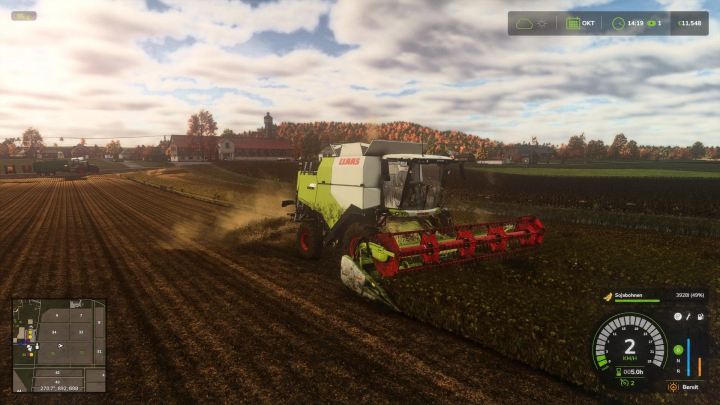

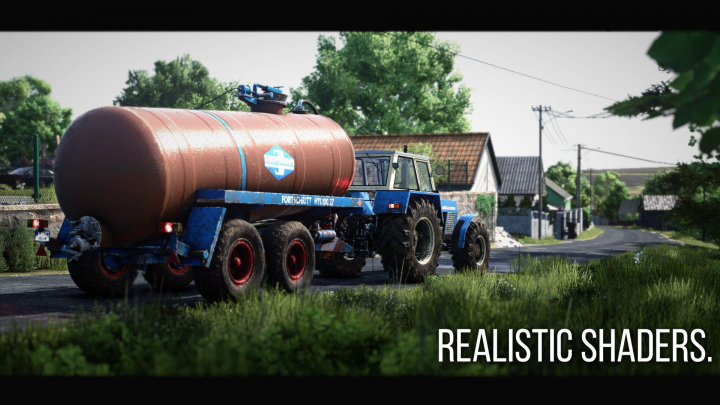
Realistic RayTracing Reshade Preset v1.0.0.0

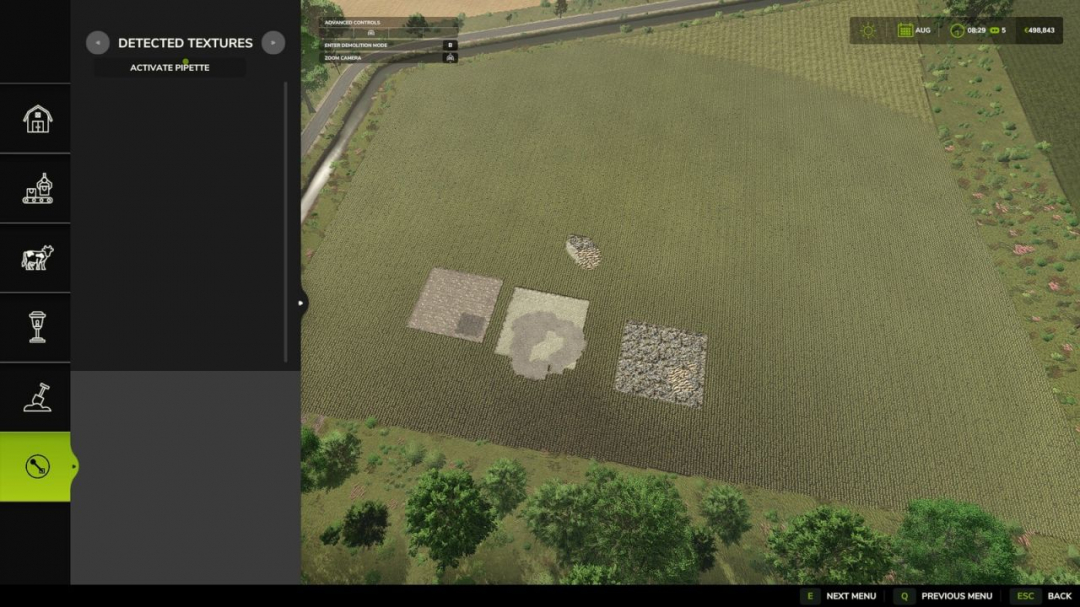
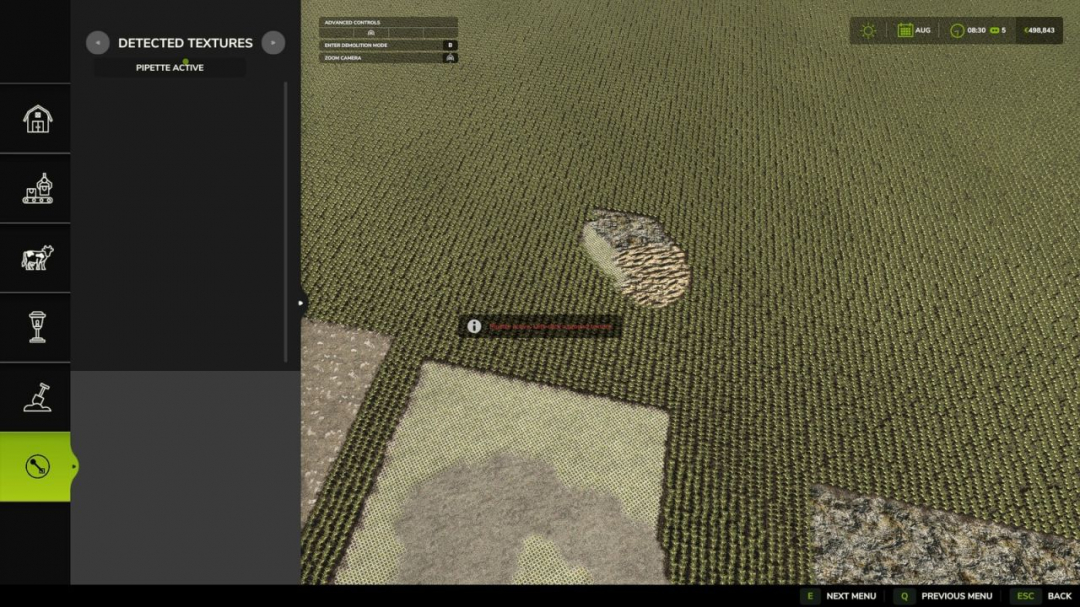
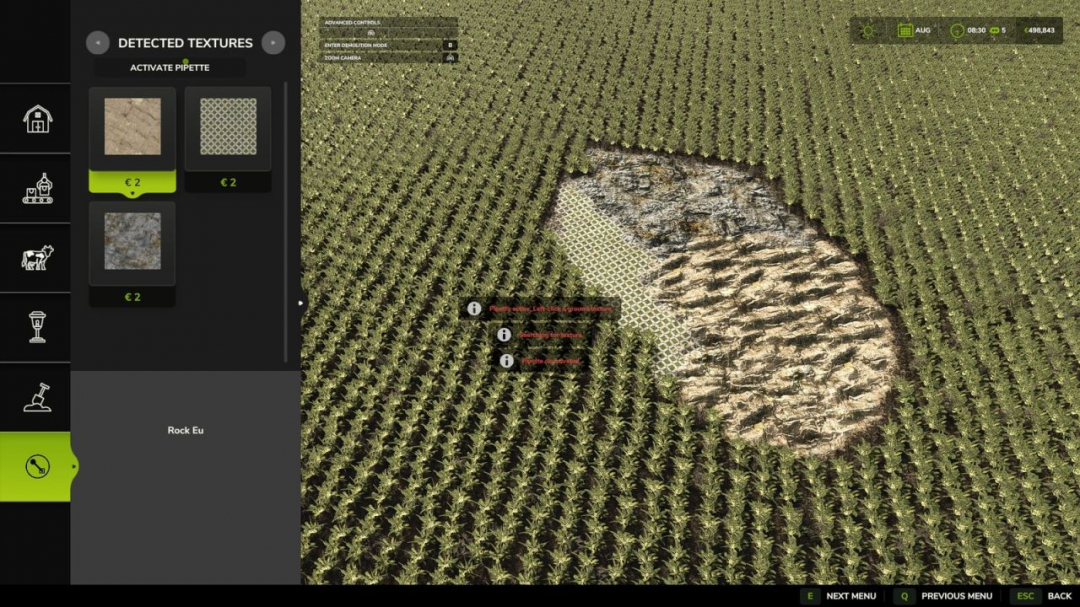
The Texture Pipette adds a handy pipette feature for ground textures in the construction menu. It allows you to quickly pick up previously used paint textures directly from the map and find them again easily in the construction menu. The mod searches for matching textures, prioritizes the most suitable options, and if necessary, displays several possible candidates.How to use:
1. Open the “Pipette” tab in the construction menu.
2. Click the “Activate pipette” button.
3. Click on an already painted ground texture.
4. Confirm the found or desired texture in the construction menu.
5. Paint as usual. After painting, press ESC to cancel the action and prevent unintended additional strokes. If needed, activate the pipette again and select the desired texture once more. The mod also considers available ground textures on the current map to ensure suitable options are always accessible. The Texture Pipette is designed as an expandable tool for the construction menu. Future updates will add more functions to help find and adopt suitable textures more quickly.
Comments:
Login to place a comment: Login