


 93.00 KB
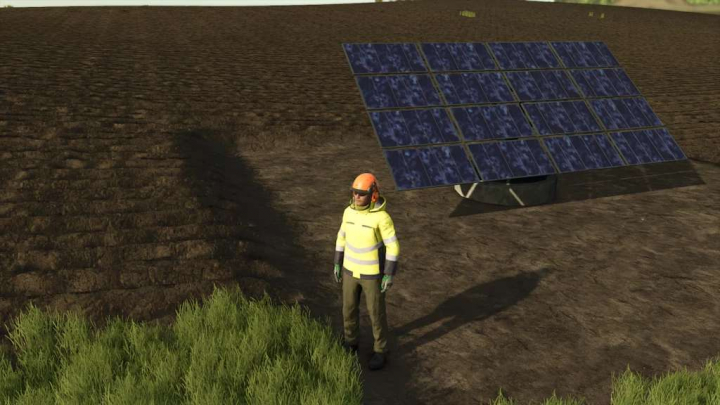

Solar Panel v1.5

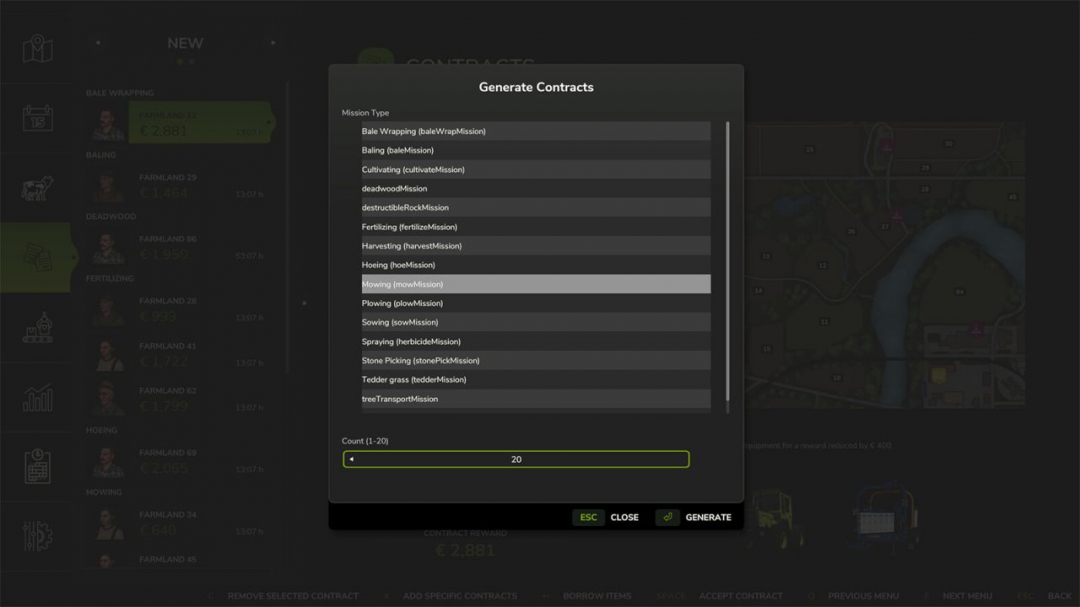
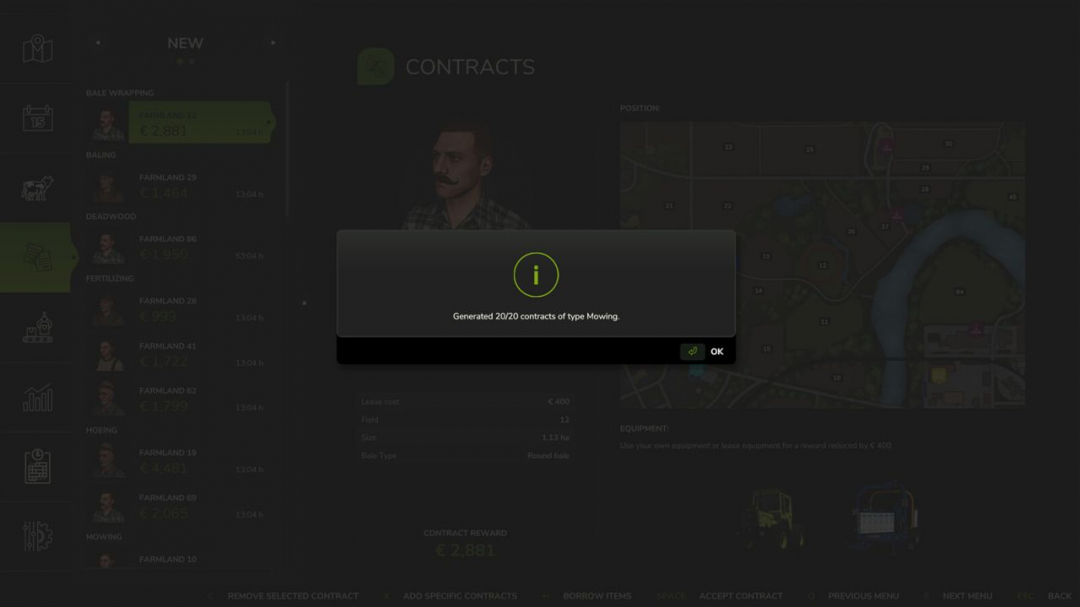
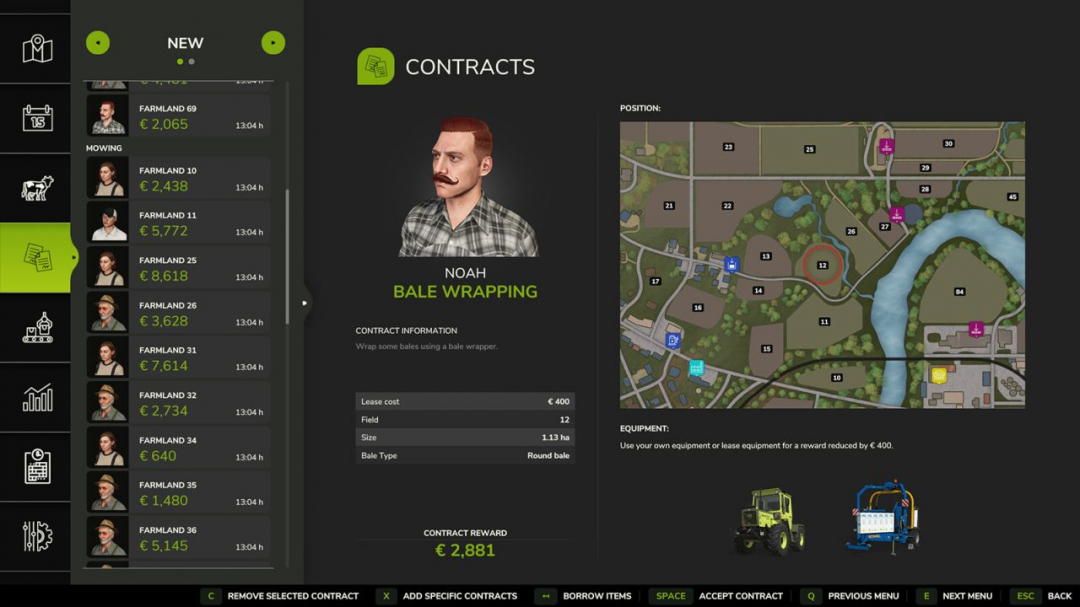
Adds two buttons to the contracts menu. The first button allows you to create contracts or missions by type. When clicked, a popup appears in the missions window where you can select the mission or contract type and specify a quantity between 1 and 20 contracts to generate. The system then creates exactly those contracts of the chosen type. Fields that already match the selected contract type are preferred. Only when no suitable fields are available are fields prepared accordingly to become suitable for the respective contract. This also works with mission types from other mods, as long as they are registered in the MissionManager. Additionally, there is a second button that allows you to remove an existing contract.
Comments:
Login to place a comment: Login