


 112.65 KB

Vehicle Zoom Control V1.1

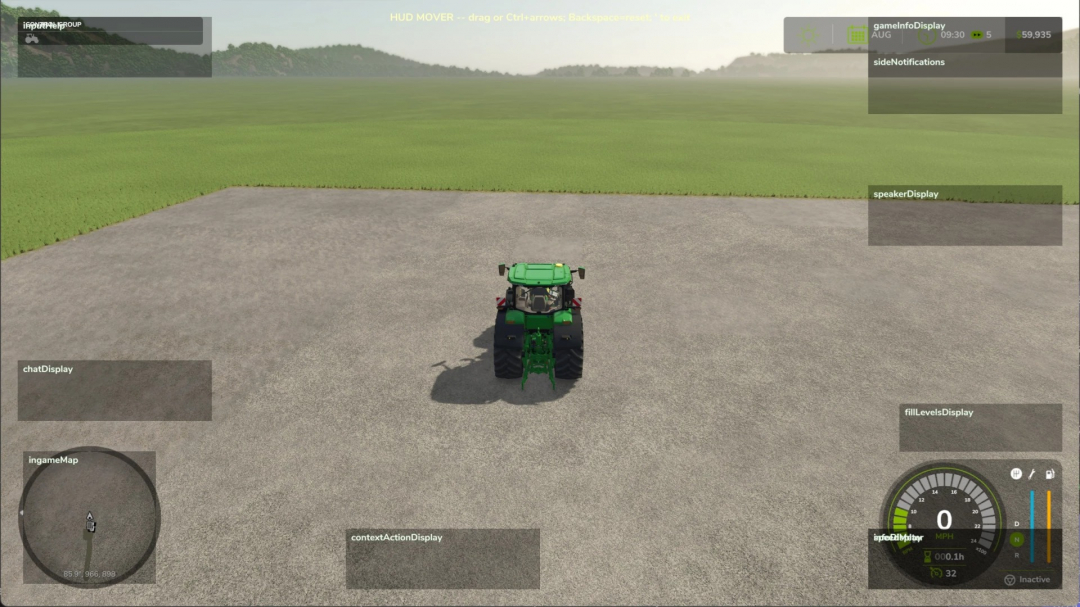
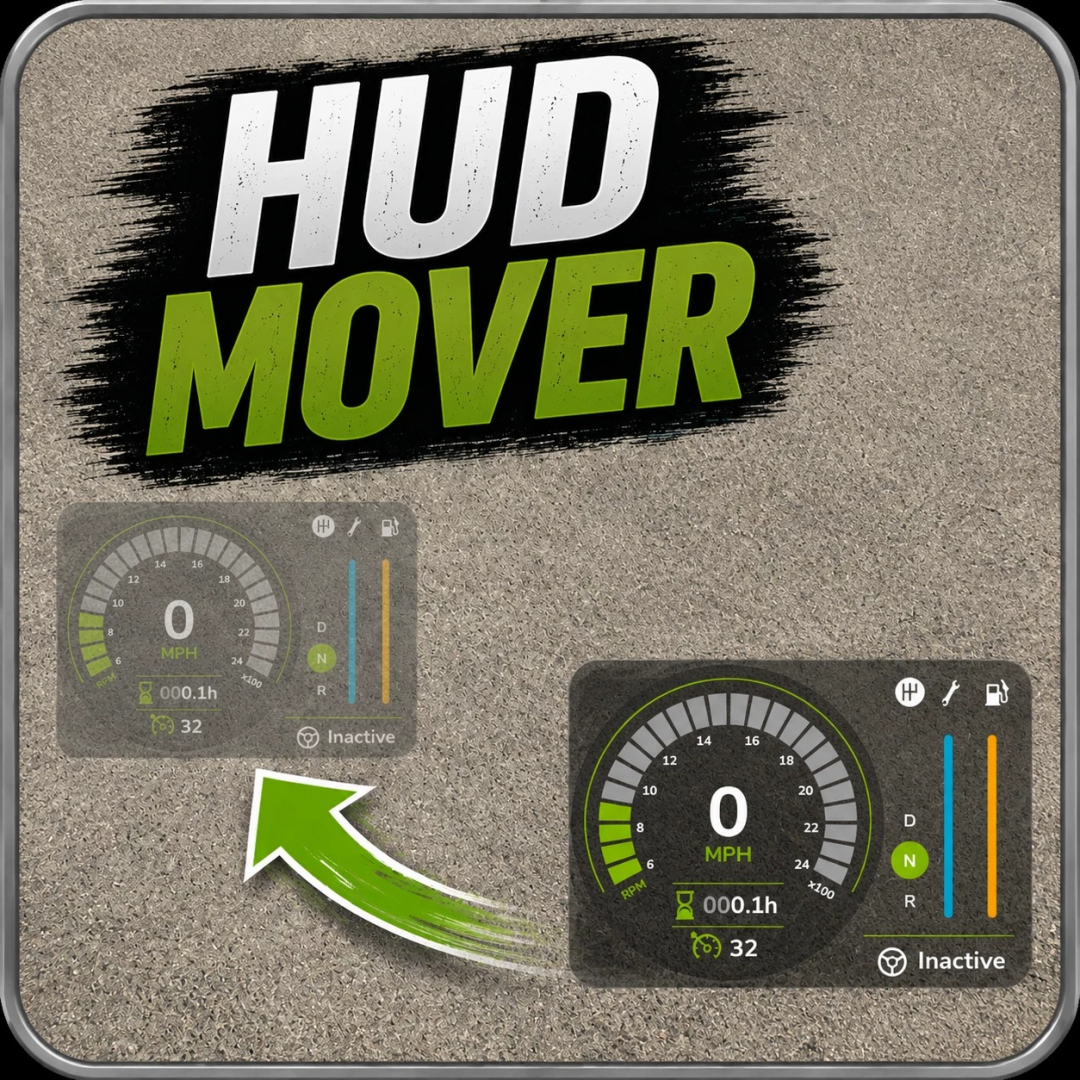
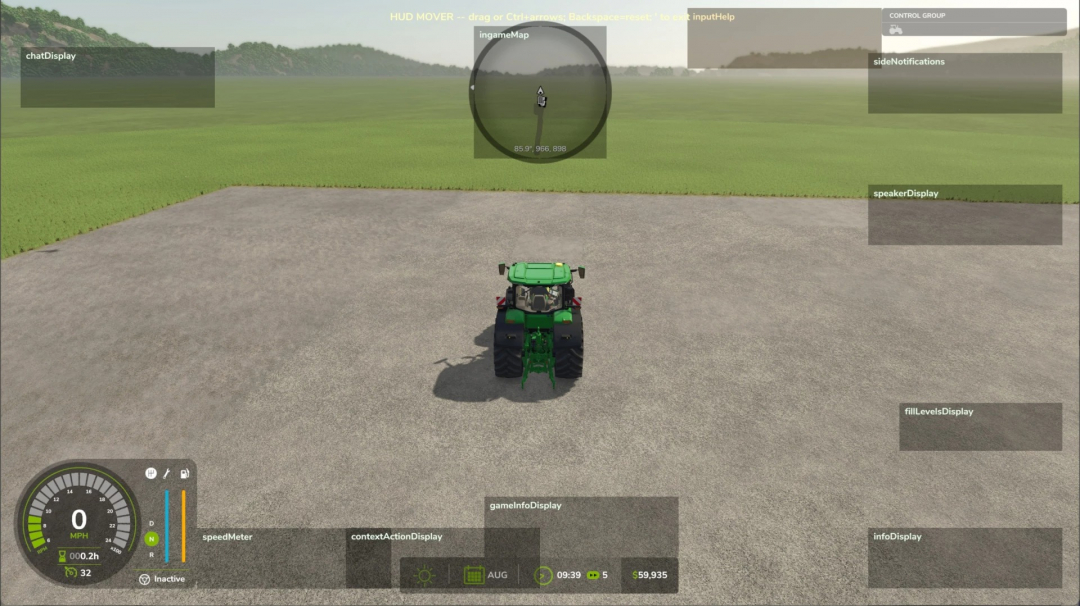
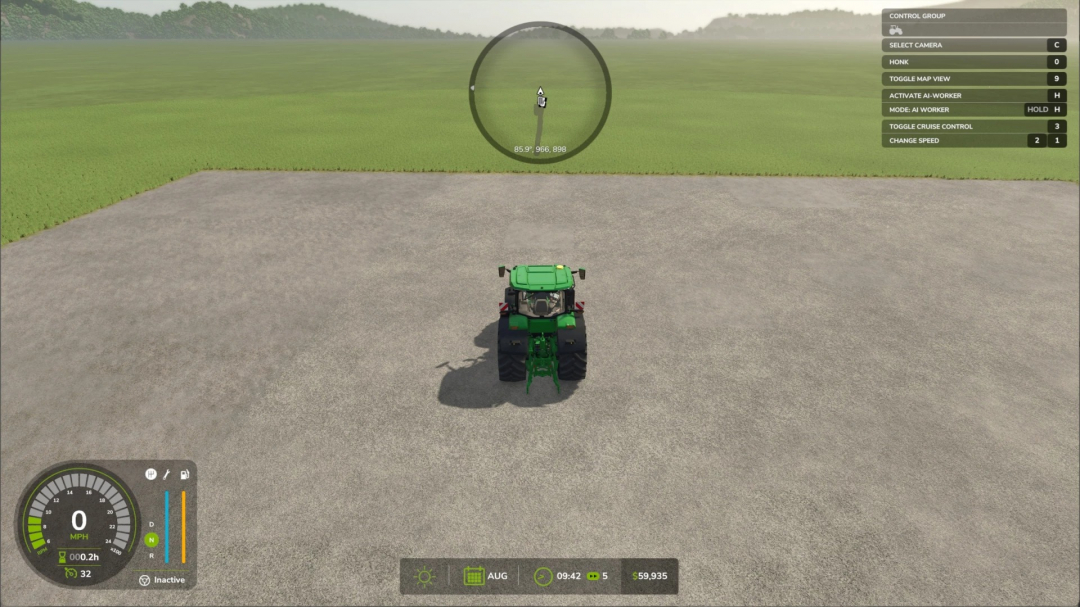
HUD Mover allows you to drag base-game HUD elements anywhere on the screen — specially designed for ultrawide and triple-screen setups where the speedometer, info panel, clock, and minimap are often fixed to the physical screen corners, far from the player's line of sight.
How it works
Press the apostrophe (' ) to enter edit mode — works both on foot and in any vehicle. Mouselook is automatically disabled, the cursor appears, and each movable HUD element is outlined with a translucent box and label (including those currently hidden), so you can position the speedometer's placeholder while on foot, and it will appear at the new spot when you get into a tractor.
- Left-click and drag any HUD element to move it.
- Ctrl + arrow keys for precise nudging of the last clicked HUD element.
- Backspace to reset all HUD elements to their default positions.
- Press the apostrophe again to exit.
Positions are saved automatically to modSettings/FS25_HudMover/positions.xml and restored on the next game launch.
What you can move
Any HUD element registered by the base game: speedometer, info display (gear, fuel, transmission cluster), game info panel (clock, calendar, money), input help, minimap, fill levels, side notifications, speaker display, chat, vehicle name, and context actions. The minimap and fill-level displays use dedicated handlers so they move together as a unit instead of scattering when dragged.
Requirements
- No mod dependencies.
- PC only.
Why this exists
The base game pins HUD elements to fixed screen corners — fine on a single monitor, but problematic on triple-screen setups where those corners are far from your central viewing area. This mod allows you to bring everything into view where you can actually see it.

Comments:
Login to place a comment: Login