


 7.88 KB


Shader Bastien Farms V1.0

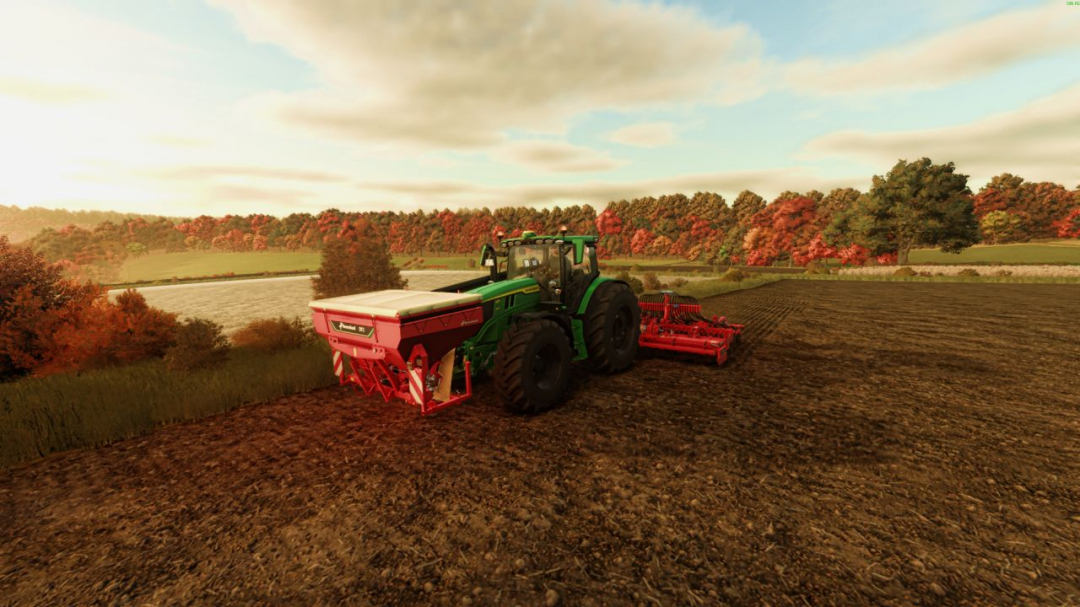
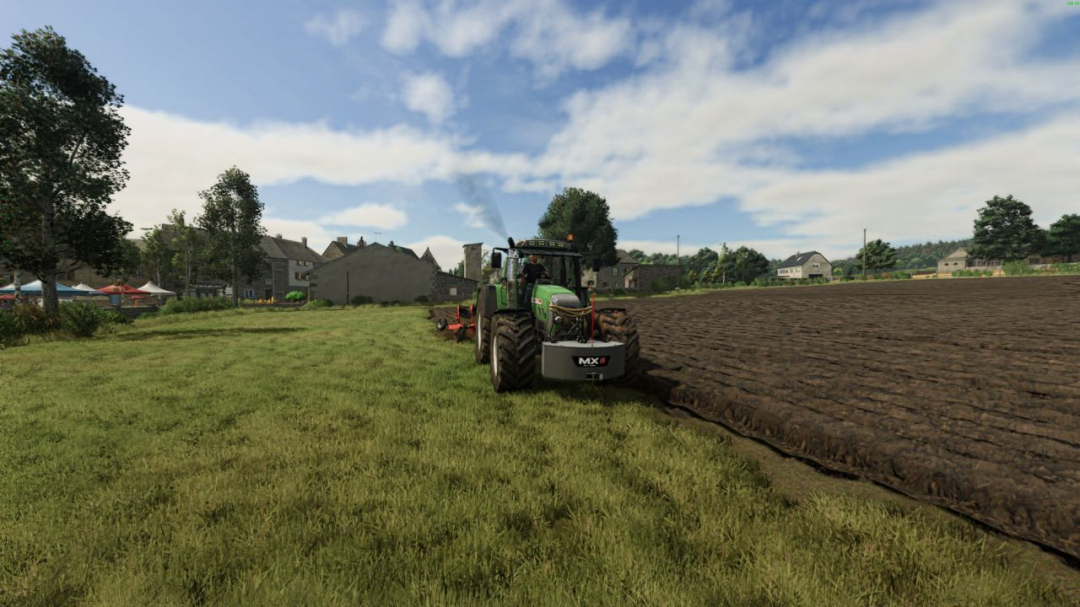
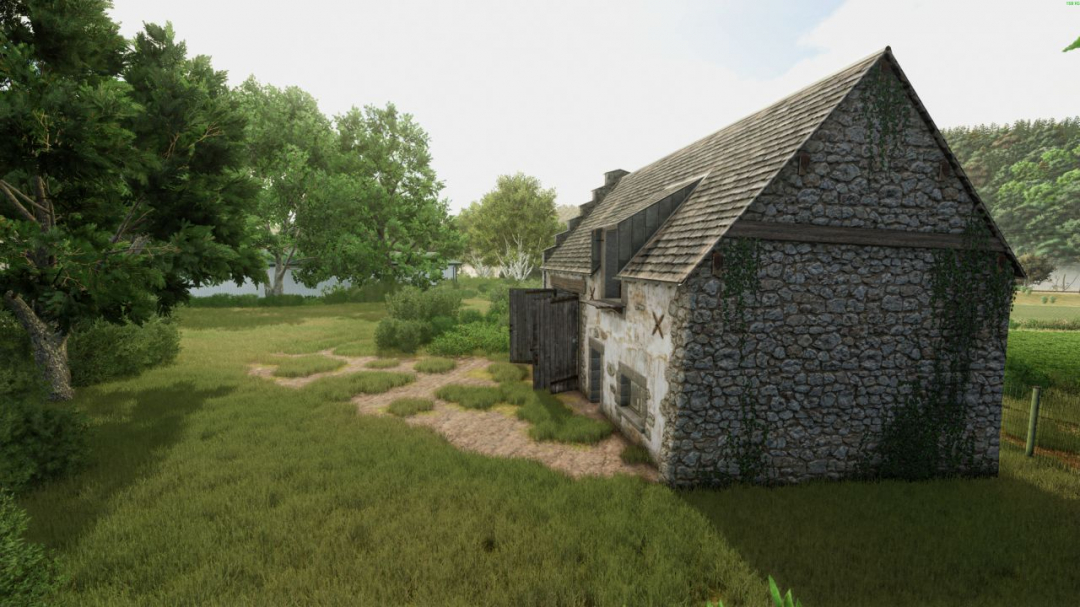
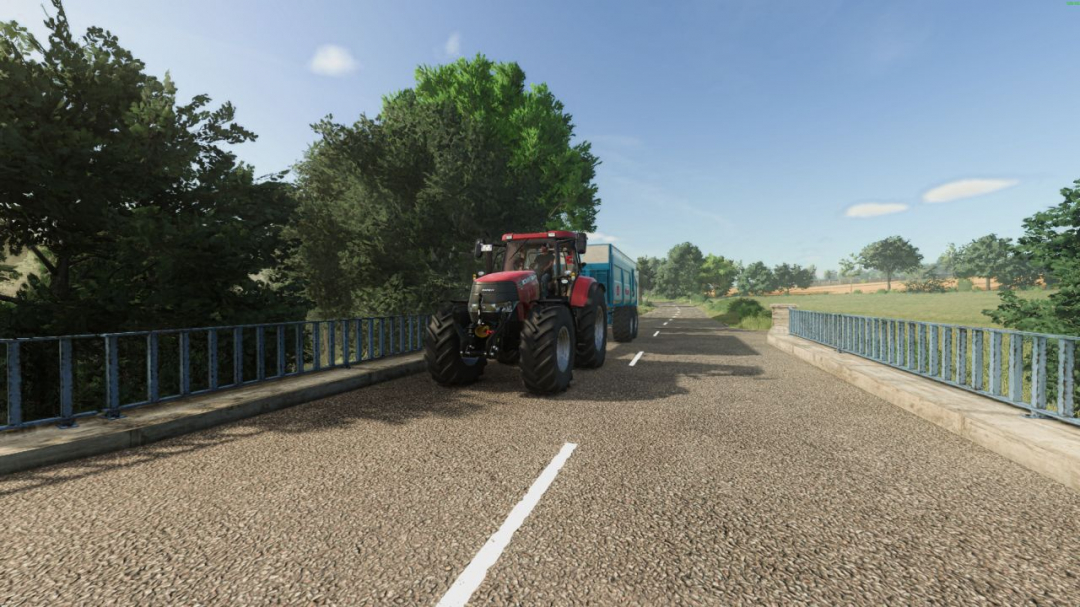
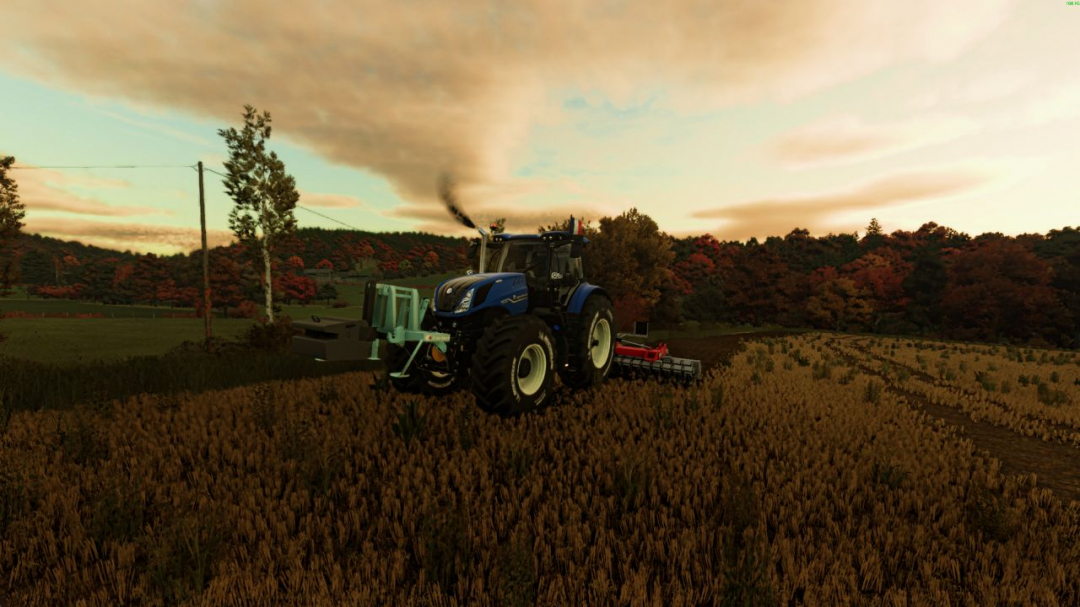
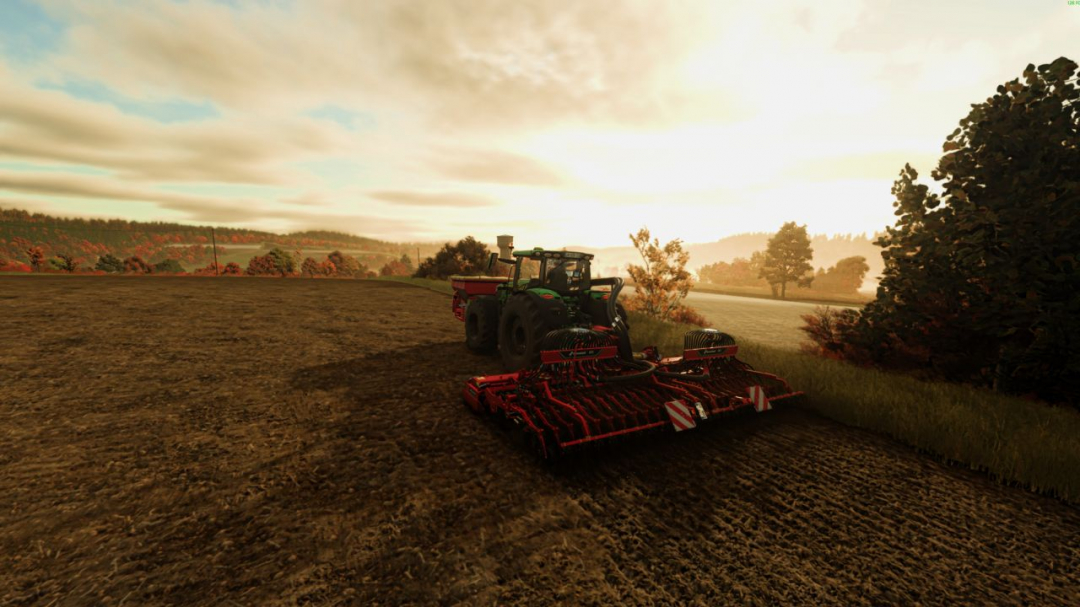
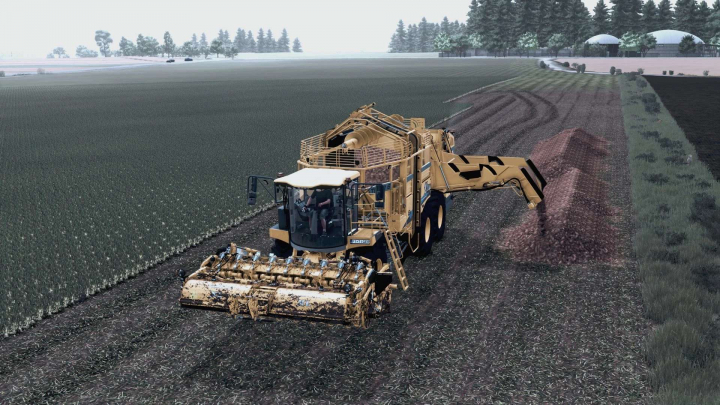
We’d like to introduce you to our Reshade preset, which I use while playing Farming Simulator 25. This preset was created to provide a more realistic image, deeper colors, and a better visual atmosphere in-game. Installing Reshade Before installing the preset, you must install the official Reshade software. Steps to install Reshade Download and run the Reshade installer. Click “Browse” and select the file:FarmingSimulator2025Game.exe Choose the API: When installing the effects, you can leave the packs checked by default and click OK. Once finished, close the installer. Installing the preset Once Reshade is installed: Download our preset. Open the game folder: Steam version Steam\steamapps\common\Farming Simulator 25\x64 Drag the contents of the downloaded folder into this directory. Also place the preset’s Shader by Rouuuben.ini file in this same folder. In-game activation Launch the game. Upon first launch, Reshade will display a quick tutorial. Once in-game, press: Home to open the Reshade menu. Then select the provided Shader by Rouuuben.ini. Important Information All screenshots shown are unedited, taken directly from the game, and without any retouching. About the screenshots: The game’s brightness is set to 2, but since every screen displays colors differently, you can of course adjust this setting to your personal preference.
Comments:
Login to place a comment: Login