


 235.50 KB
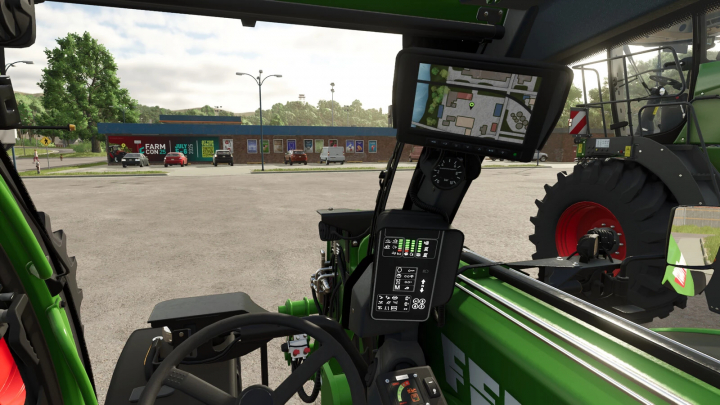

Real GPS Mod v1.0.0.0


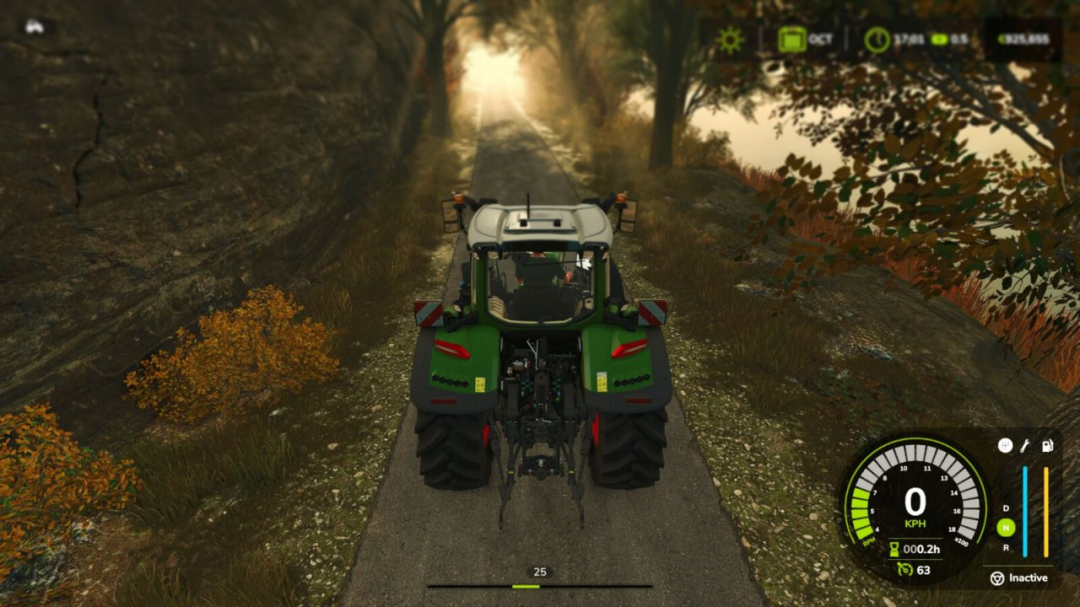
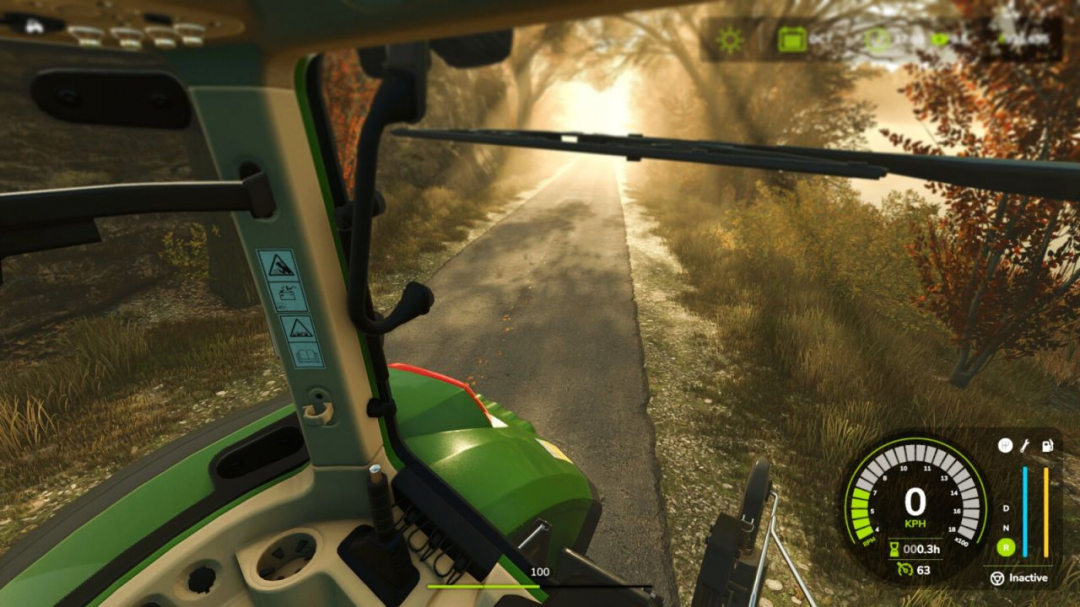
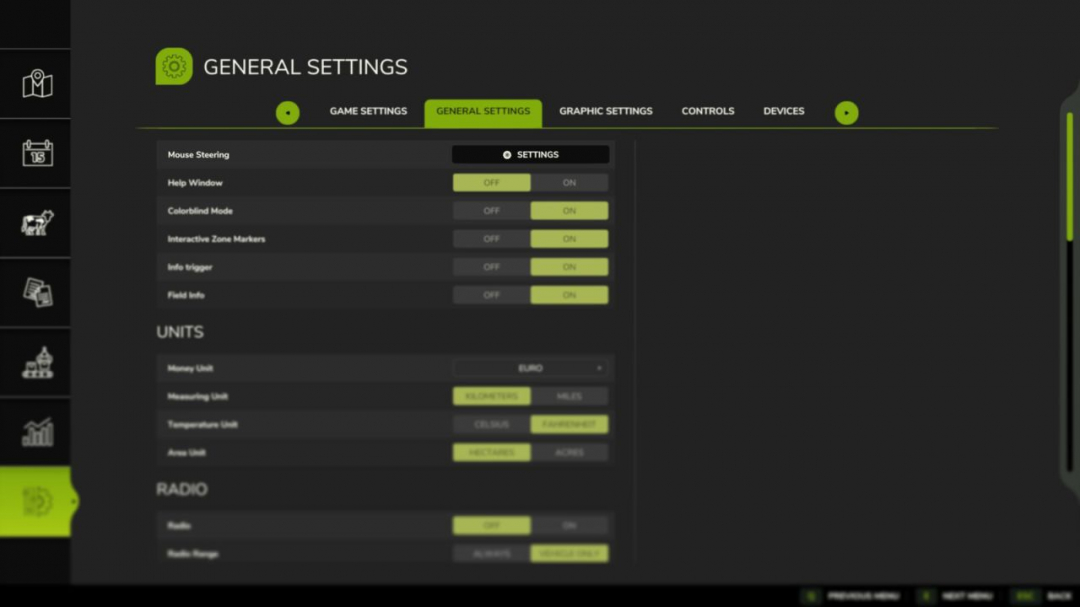
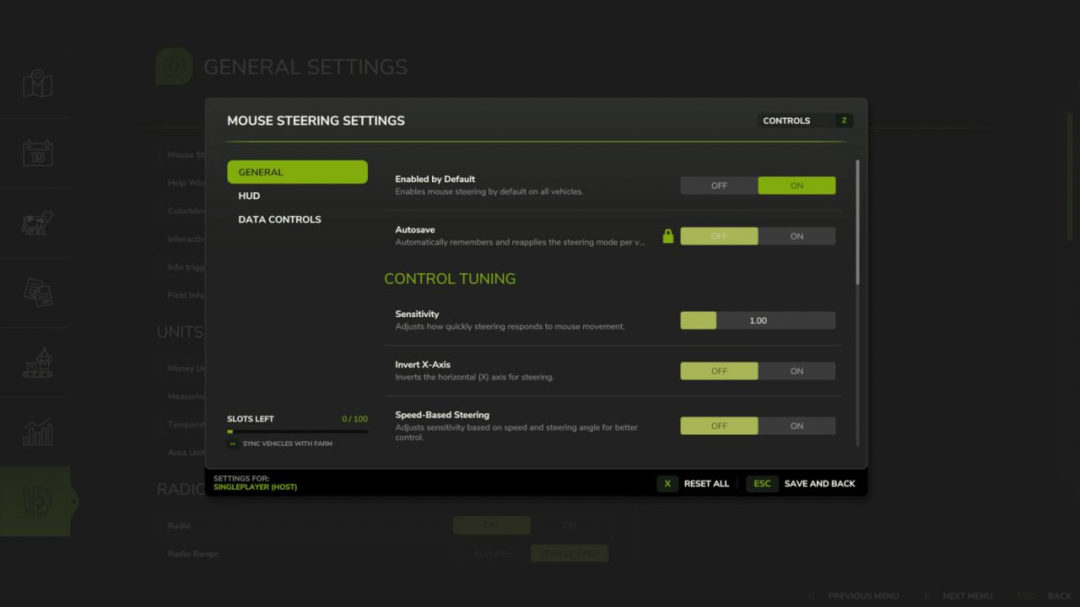
Steer your vehicles with the mouse for a more natural and fluid driving experience. Easily customize sensitivity, linearity, and dead zones via the settings button in the general settings menu. Features include a clear HUD indicator, speed-adaptive steering for better precision at high speeds, and an automatic camera-follow system.Hotkeys:
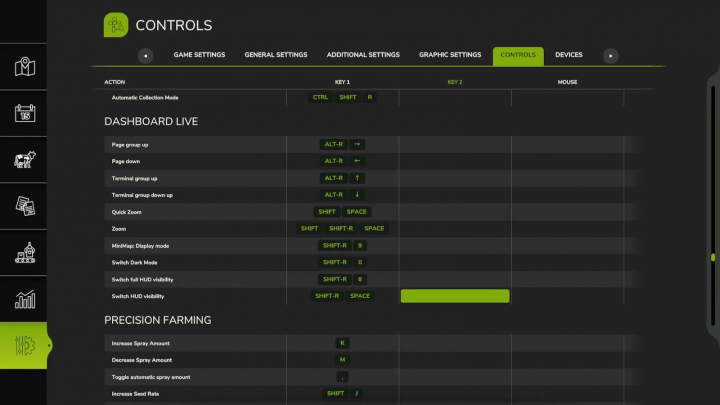
– Press Left Ctrl + . to toggle Mouse Steering.
– Press Left Ctrl + , to toggle Camera Follow Steering.
– Press Left Ctrl + SPACE to center camera or double-click to look back.
– Hold Left Alt key to rotate camera with mouse.
– Press Left Ctrl + / to save/remove steering as default for the current vehicle.
– Use Mouse Wheel to adjust vehicle speed when active.V1.3.1.0
– Improved camera orientation and centering
– Added smooth speed control via mouse wheel
– Added camera look-back (double-click)
– Added small optimization improvements
Comments:
Login to place a comment: Login
Alden Hart
10 Mar 2026
I recently took a new harvester around the field using mouse steering, and wow, the precision is fantastic! Feeling the sensitivity adjust has really enhanced my driving, especially in tricky weeds. Two thumbs up on the smooth controls!
React