


 18.10 KB
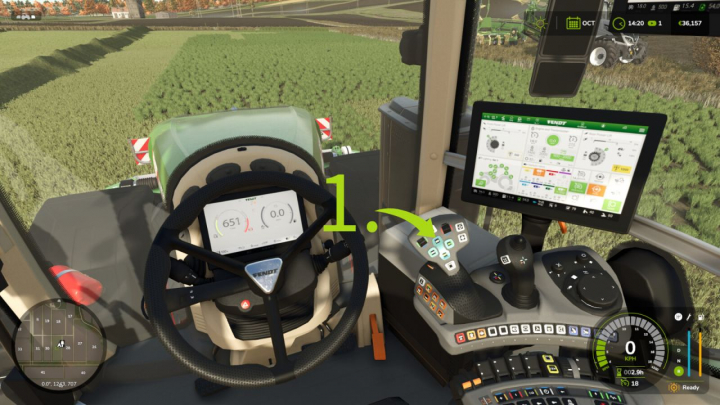

Teach-IN Extension V1.0


Landscape with confidence! The Build Menu Undo/Redo feature allows you to easily undo or redo changes made with the construction menu’s painting, terraforming, and foliage tools. Correct a mistake or restore a previous change—all without leaving the build menu. Each brush stroke counts as one action, with up to 20 actions stored during your current session. Controls: Left Ctrl + Z to undo the last stroke. Left Shift + Left Ctrl + Z to redo the last undone stroke. Release the mouse button before using either shortcut. Starting a new edit clears the redo history. Please note: Supports ground painting, terrain sculpting, and foliage painting. Does not undo buildings, trees, fences, or demolitions. History resets when you quit or reload your save. Landscaping costs are not refunded. Single-player only. PC/Mac script mod.
Comments:
Login to place a comment: Login