


 2.66 MB
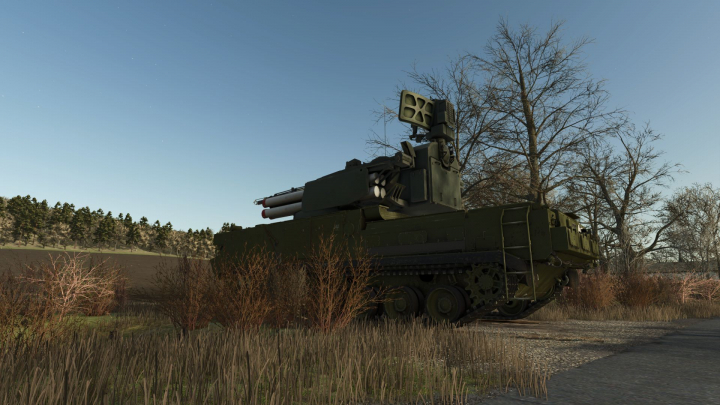

2K22M Tunguska V1.0

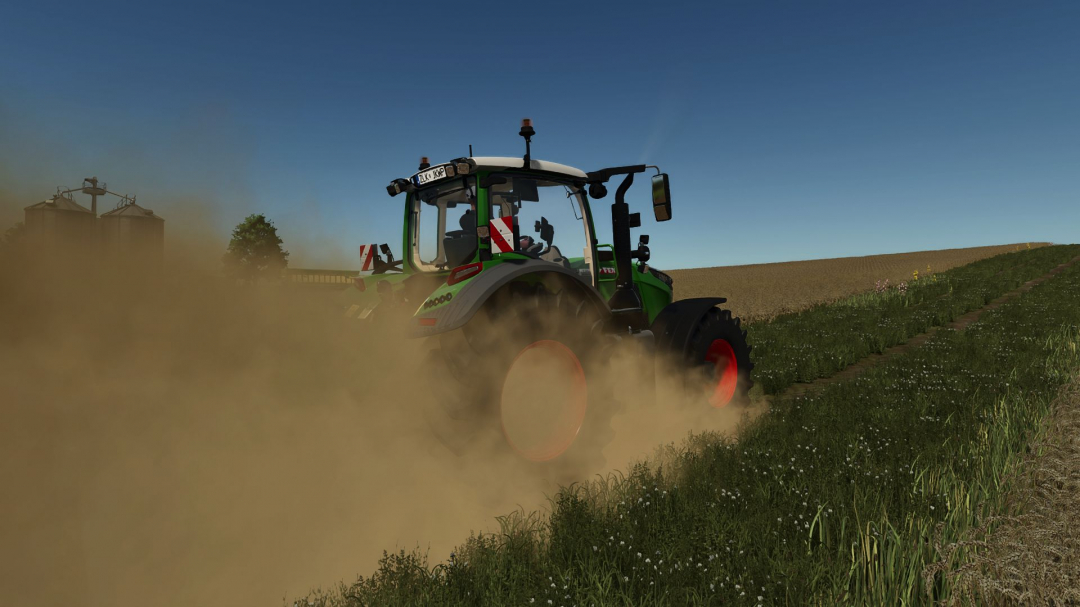
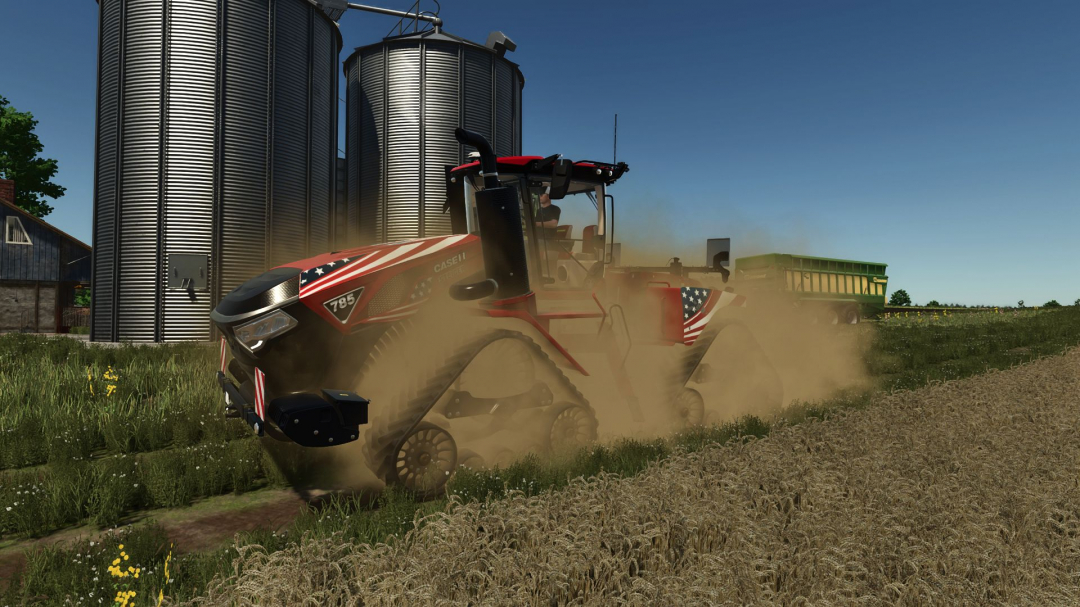
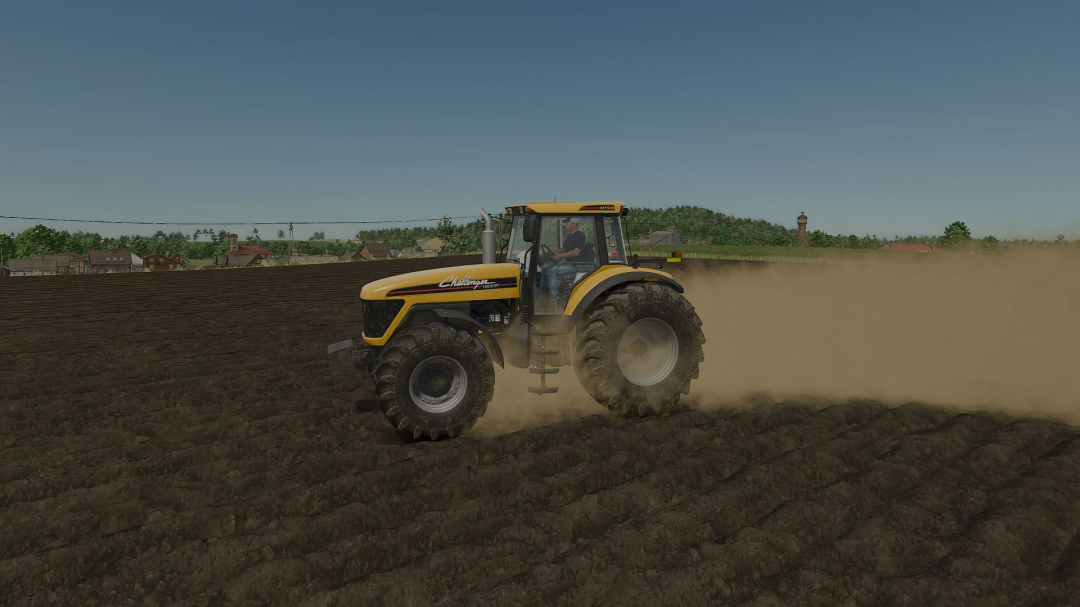
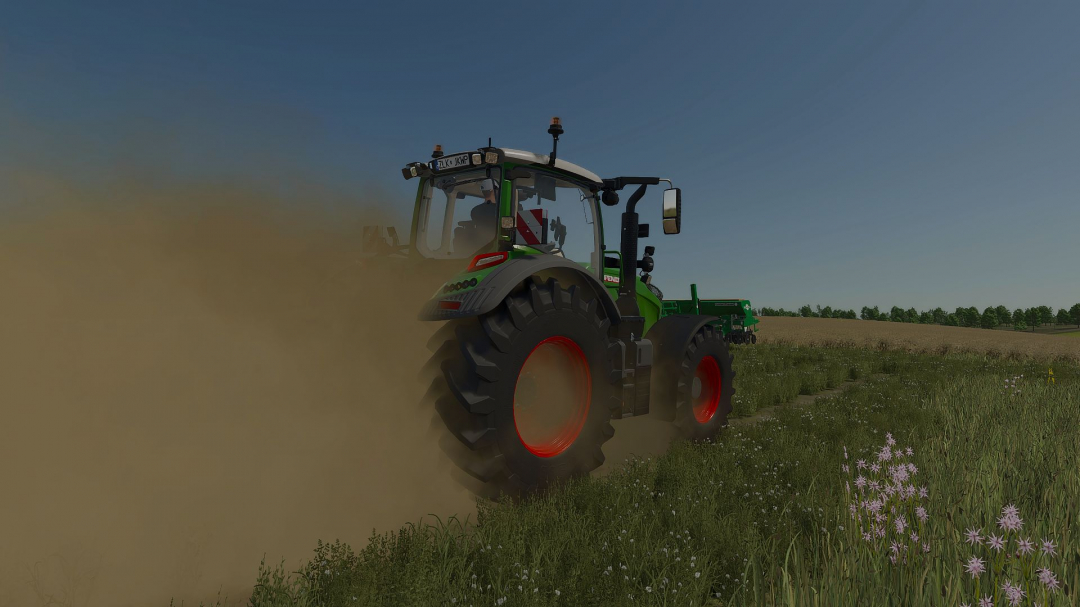
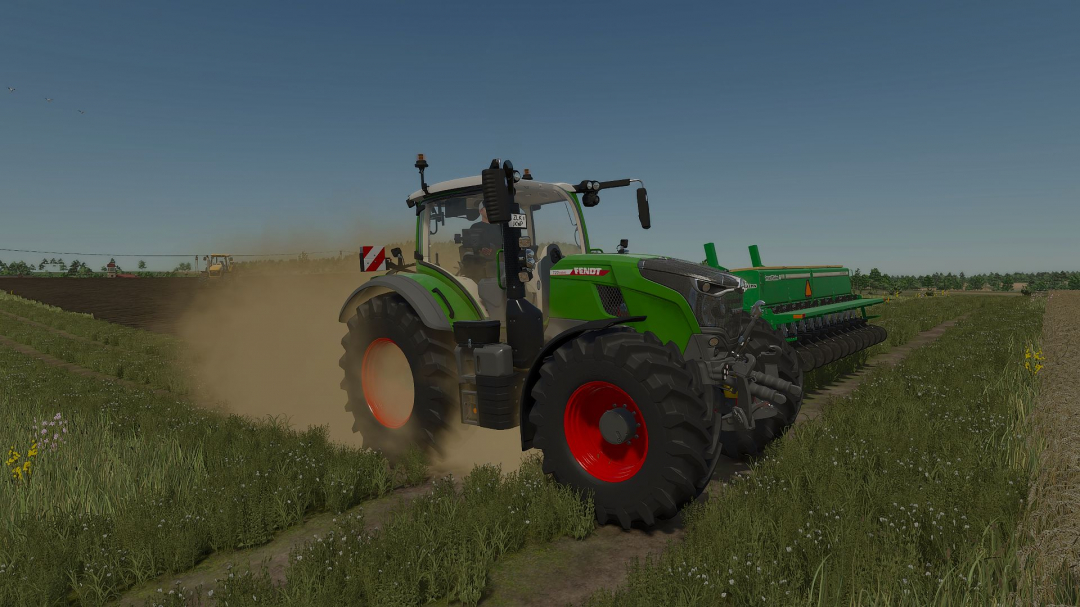
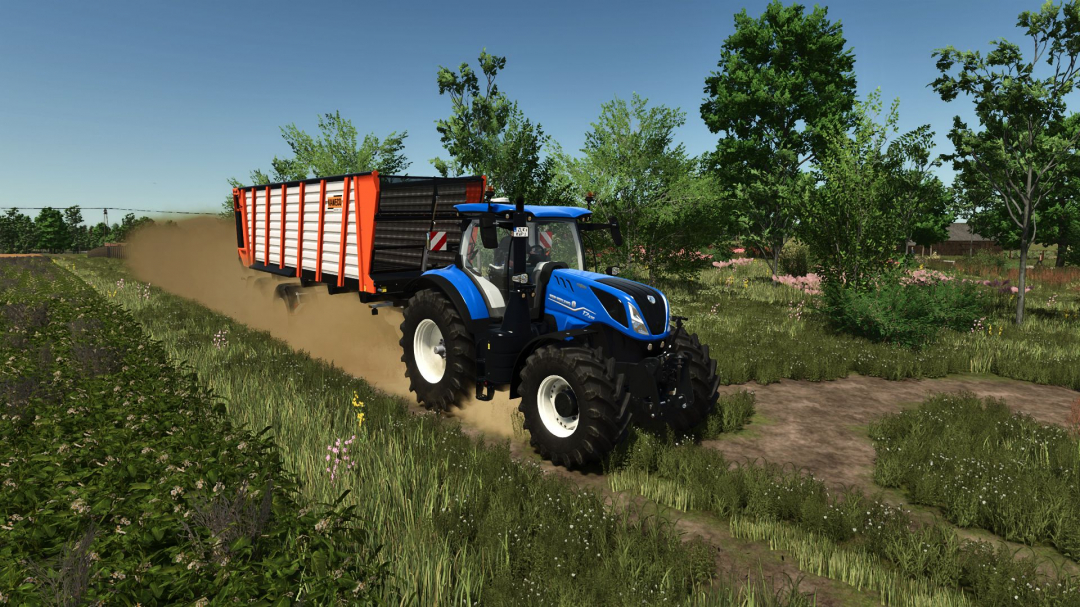
Real Dust is a global wheel-effect script for Farming Simulator 25. Its goal is to make dry driving feel less flat without needing separate XML edits for each tractor. The included project files integrate into the vehicle wheel update process, positioning custom particle emitters behind moving wheels. This allows standard wheeled vehicles to produce a richer dust plume as they move across suitable ground. The effect varies based on vehicle speed, ground conditions, wheel position, and user settings, creating a dynamic dust cloud rather than a constant one. A lighter wind plume drifts left and behind the wheel dust, while small stones stay closer to the tire path. Wet ground reduces the dry dust effect, maintaining visual distinction between rainy or damp conditions and hot, dusty fields. **What Real Dust Changes** The primary dust source is the custom effects/realDust.i3d particle file. A secondary source, effects/realDustStones.i3d, handles smaller stones thrown behind the tires. The package also includes shape files and stone textures needed for these effects. Since the emitters are created by the script, Real Dust works with any wheeled vehicle, not just specific tractor models. It produces thicker dust on dry fields, dirt tracks, gravel, and off-road surfaces. Features include: - Main dust cloud behind each active wheel, with a lighter wind plume drifting left. - Separate small-stone particle effect near the tire path. - Gradual buildup of light, washable dirt on vehicle bodies and wheels. - Reduced effect on wet ground to prevent damp soil from appearing dusty. - Independent controls for the entire mod, dust particles, stone particles, and effect intensity. **In-Game Real Dust Settings** Access these via the standard game settings menu under the Real Dust group. The master toggle enables or disables the entire system. Dust and stone particles can be adjusted separately, allowing players to customize the dust cloud and particle effects according to preference. The amount of dust and stones can be set from 25% to 200%, with a recommended starting point at 100%. Test by driving the same vehicle along a dry route before increasing the values. Lower settings are advisable for older hardware, multiple vehicles in one field, or if another visual effects mod is active.
Comments:
Login to place a comment: Login