


 130.96 KB

Gaucho Fieds V1.0


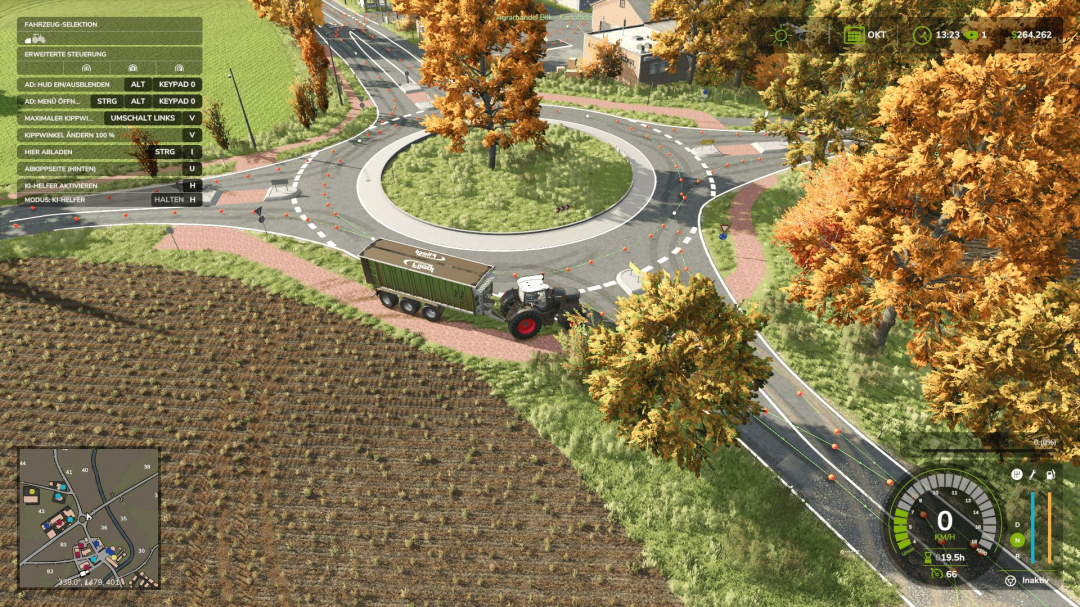
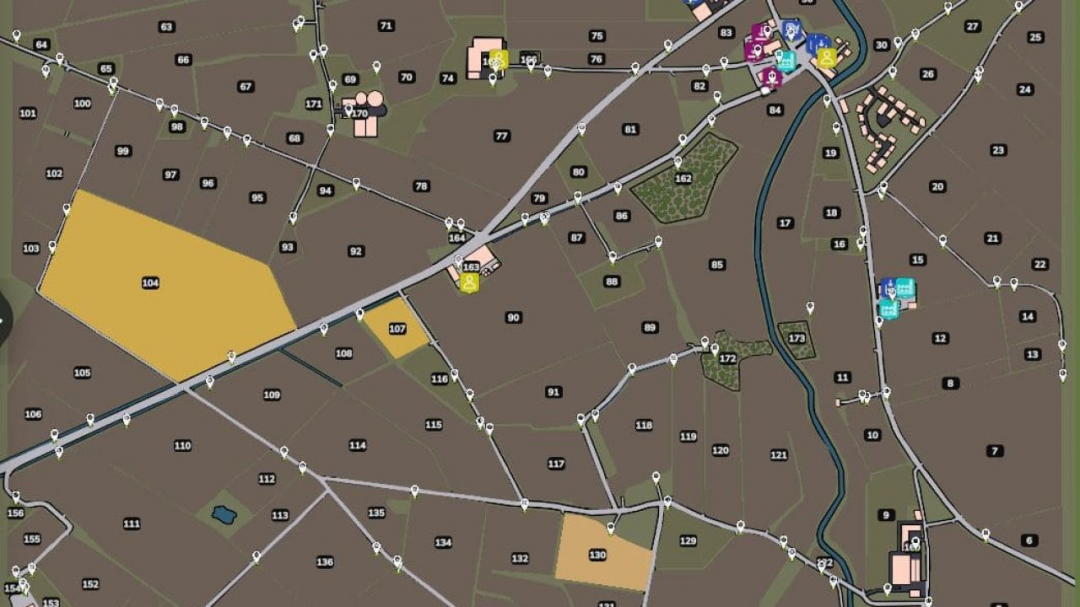
AutoDrive course for the “Bilk” map, fully autonomous and thoroughly tested. Designed for larger tractor-trailer setups like the Fendt 1052 combined with the Fliegl ASW 391. Includes roads, field access points, production sites, and sales locations. Enjoy!
Good morning!
Thank you for your interest in my AutoDrive course for the beautiful “Bilk” map.
Thanks to this website, I’ve used countless mods, and now it’s time to give something back.
I personally drove the entire route myself and tested it extensively. I used a Fendt 1052 tractor with a Fliegl ASW 391 as my reference vehicle.
Why this particular combo? Simply because it’s one of the most frequently used tractor-trailer setups in my gameplay and will likely be used often on this map as well. Its size provides a good basis for creating spacious routes suitable even for larger machines. I do not recommend using dual-wheel harvesters here, as I haven’t tested that scenario.
Installation
Copy the included .xml files into your save game folder.
Always back up your existing AutoDrive configuration before replacing files.
Overwrite existing files if prompted.
Launch the game and start driving.
The save game folder is usually located at:
Documents/My Games/FarmingSimulator2025/savegameXX
When creating a new save, avoid using AutoDrive’s automatic route creation if you plan to import this course later.
Route network details
I aimed to include as many vehicle combinations as possible when designing this course. Since my reference setup is quite large, long, and wide, there are some special considerations:
Vehicle size and curves
Some curves and field entrances are designed for my reference vehicle combo and have ample clearance. Smaller vehicles, like compact tractors with small cultivators, may take wider lines intentionally, ensuring larger vehicles can navigate the route with ease.
Field entrances and field work
I built the course as I play: I let AutoDrive bring my vehicle to the field entrance, then take over manually, work the field, and reactivate AutoDrive on the road.
Some entrances are one-way.
My recommendation: After working in the fields, return to the road and activate AutoDrive there. Sometimes, the system can get confused and select the wrong waypoint. Enabling developer mode can help troubleshoot.
Narrow field entrances
Some entrances are quite narrow. For larger vehicles, I’ve set target points so the vehicle stops sideways or across the field. This isn’t a bug but a feature to prevent AutoDrive from attempting to enter areas with insufficient space.
Multiple access roads to a field
Many fields have several entry points. I usually choose the most convenient one but included additional routes through forests or smaller roads for larger or more complex fields. Some of these routes are particularly scenic or interesting.
Sales outlets and production sites
Space can be tight at some locations. Where automatic entry and exit weren’t feasible with my reference setup, I placed target points in front of or on the site. Some sites require reversing after unloading, like biomass power plants.
Smaller tractor-trailer combos, such as a John Deere 6820 with a Kröger trailer (~29 m³), should be able to travel forward in some sections. I haven’t created separate courses for smaller setups.
Course testing
After completing the route, I tested it thoroughly, including some unusual or less practical routes to check various track combinations.
The main goal was to identify errors such as:
- Unconnected points
- Wrong travel directions
- Problematic intersections
- Collisions
- Sharp curves
- Unreachable destinations
- Other route network issues
As of now, the network should be fully functional.
Most signs and objects on the map do not have collision detection, so I ignored them when navigating. If you find any collisions, unconnected points, wrong directions, or other errors, please leave a detailed comment with the affected area.
Required mods:
AutoDrive
BILK
Comments:
Login to place a comment: Login