


 54.75 KB
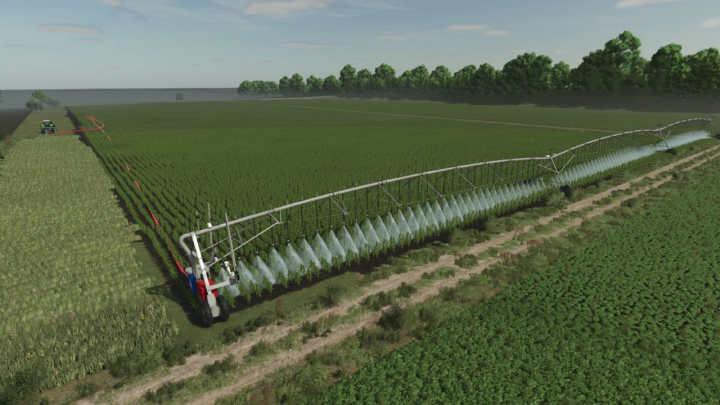

Reinke Irrigation System V2 V1.0.0.1


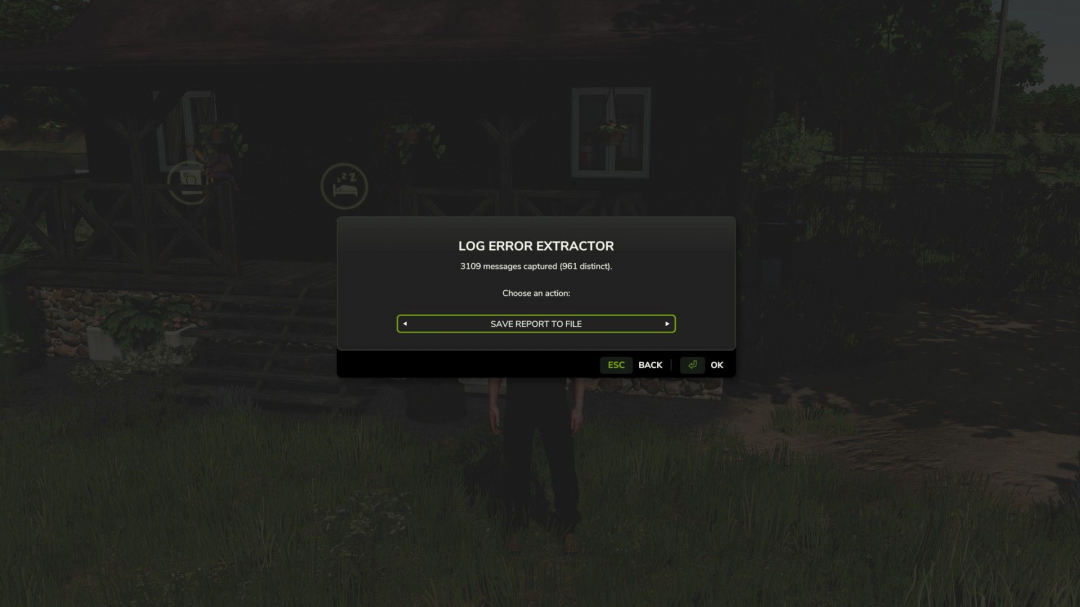
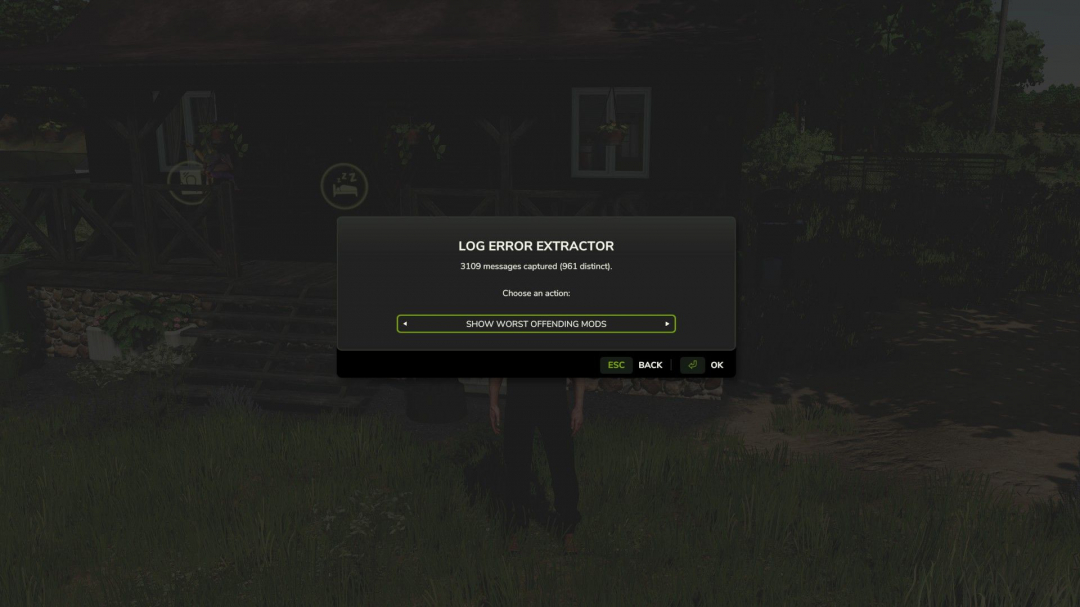
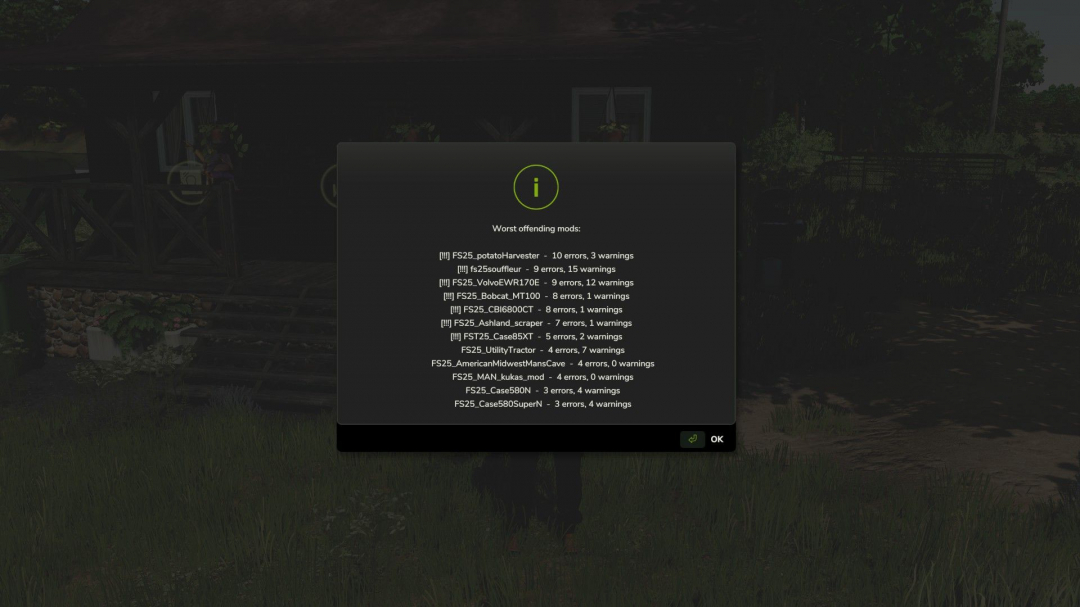
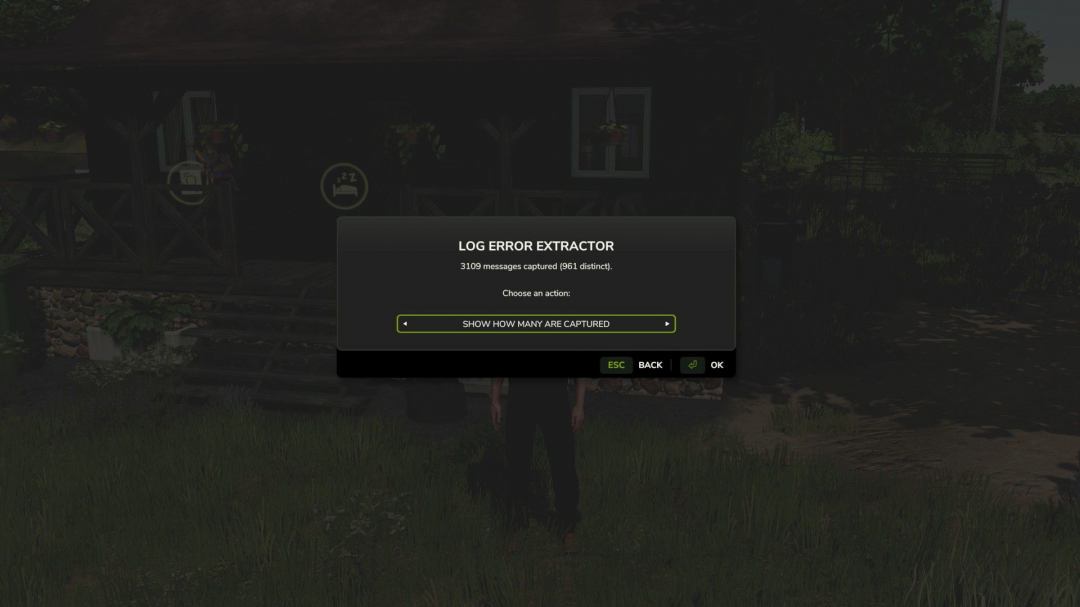
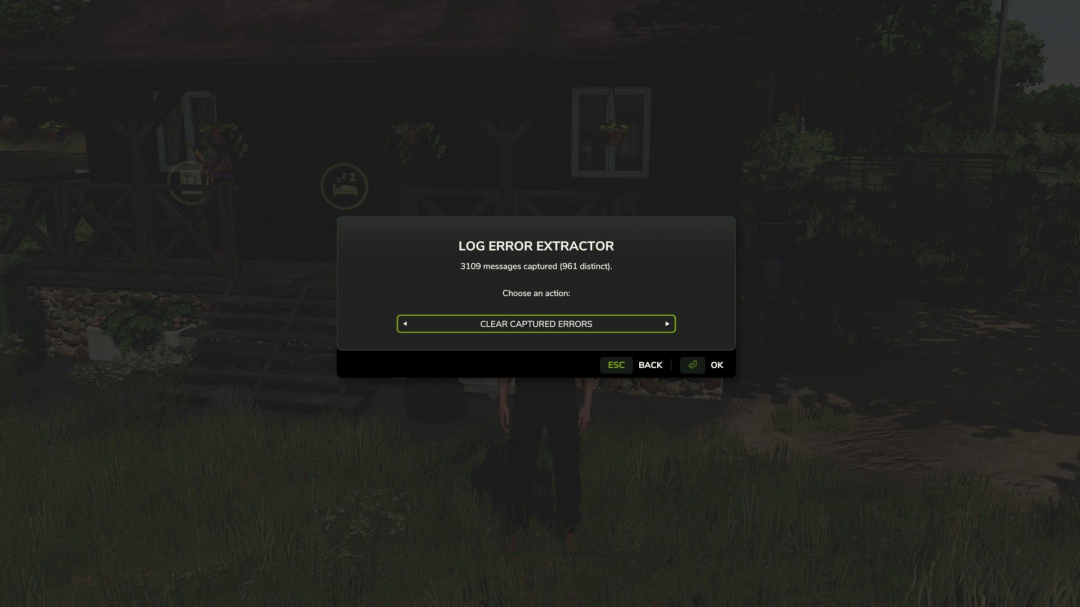
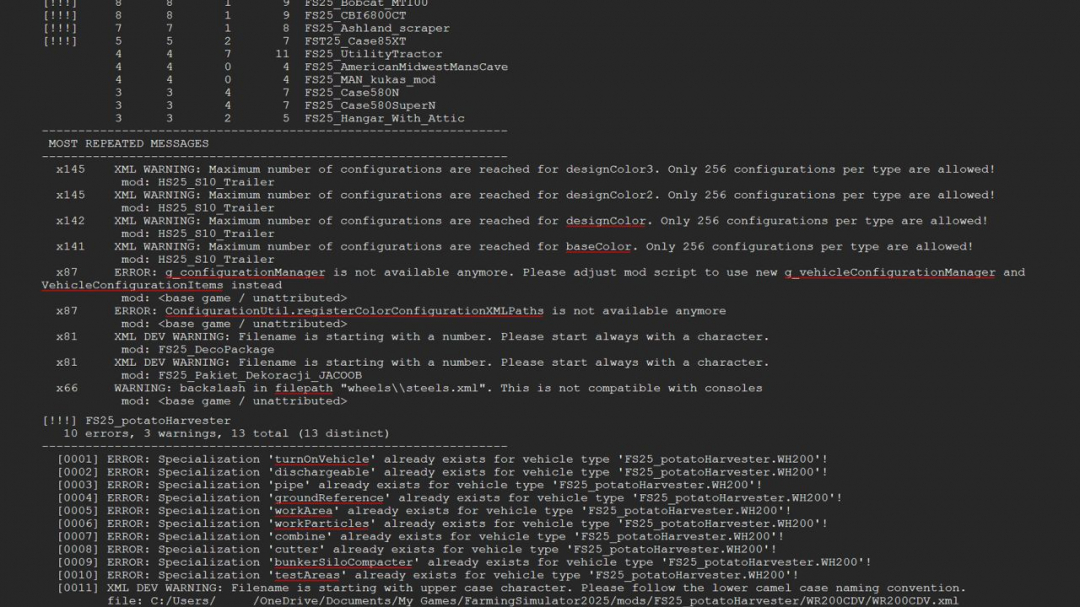
Stop scrolling through thousands of lines of log files trying to figure out which mod broke your game. Log Error Extractor captures every error and warning your game produces and generates a clean, easy-to-read report—focusing solely on errors and warnings, nothing else. It then ranks each mod in your folder by the number of distinct issues it causes, so the culprit appears at the top of the list instead of being buried in a 6,000-line log. What it does - Creates a report containing only errors and warnings, saved as log_errors.txt alongside your normal log. - Ranks your mods from worst to best based on the count of unique errors, highlighting serious offenders. - Collapses repeated messages—if one mod throws the same warning 500 times, it shows once with a count. - Breaks down the report by mod, so you can see exactly what each one is causing. - Includes console commands for those who prefer them: dumpLogErrors, topLogErrors, countLogErrors, clearLogErrors. Getting started Bind a key in Options ? Controls ? Log Error Extractor, load your save, and press it. The menu opens anywhere—on foot, in a vehicle, it doesn’t matter. Cycle options with the arrows and press OK. - Save Report To File: writes the full report to log_errors.txt in your Farming Simulator 2025 folder. - Show Worst Mods: displays your top offenders directly on the screen, no file needed. - Show Count: shows how many errors and warnings have been captured so far. - Clear: resets all collected data, so your next report starts fresh. This last option is especially useful when hunting a specific conflict. Clear the buffer, recreate the issue, then save the report—it will only contain what happened in that session. Important: do not rename the mod folder. The folder is intentionally named FS25_AAA_LogErrorExtractor. Farming Simulator loads mods alphabetically, and the AAA prefix ensures this one loads first to capture errors from all subsequent mods. Renaming it can cause it to load later, missing some errors. Requirements and limitations - PC only. This is a script mod and isn’t supported on PlayStation or Xbox. - Singleplayer only for now. Multiplayer is untested and unsupported, so it won’t load in MP saves. If you want to help, set <multiplayer supported=“true”/> in the modDesc, test it, and share your results. - It cannot capture errors that occur before it loads, such as base game startup or engine-level messages. Check the game’s log.txt for those. Reporting problems The mod creates a small health check file, log_status.txt, each time you load a save. If something isn’t working, open this file and attach it when reporting issues. Version 1.2.0.0 - Removed unnecessary files from the zip. - You can rename the zip file (e.g., to AAA_LogErrorExtractor.zip) without issues. The game only requires the name to contain letters, digits, and underscores, and not start with a digit. - If you see a texture warning in log.txt that wasn’t captured, it’s due to how the engine loads textures (like raw PNGs instead of DDS). The report will still be clean. This is a known boundary of the extractor’s capabilities. How the extractor works It cannot read log.txt directly because the game’s log file is locked and only written to by the engine. Instead, it hooks into functions like printError, printWarning, and the Logging family, buffering their outputs and dumping them on command. This approach allowed it to capture over 3,000 messages in a load of 1,200 mods. Why some messages slip through If a warning bypasses these hooks—such as texture loading errors handled directly by the engine’s C++ layer—it won’t be captured. These messages are written directly to log.txt and are unreachable by the Lua-based extractor. This is a design limitation, not a bug. Other engine-handled issues - Texture format and loading problems - i3d loading failures - Shader compilation messages Mod Lua code reports are still captured normally, which covers most issues when troubleshooting broken mods. The practical takeaway A report with zero errors means no errors were reported via Lua. It doesn’t guarantee the log is entirely clean. Always interpret the results carefully. Future possibilities A future version could scan the mods folder directly for raw textures, bypassing the log entirely. However, this depends on whether directory listing is available in the sandbox, which is unverified. It’s a potential new feature, not a fix.
Comments:
Login to place a comment: Login