


 429.86 KB
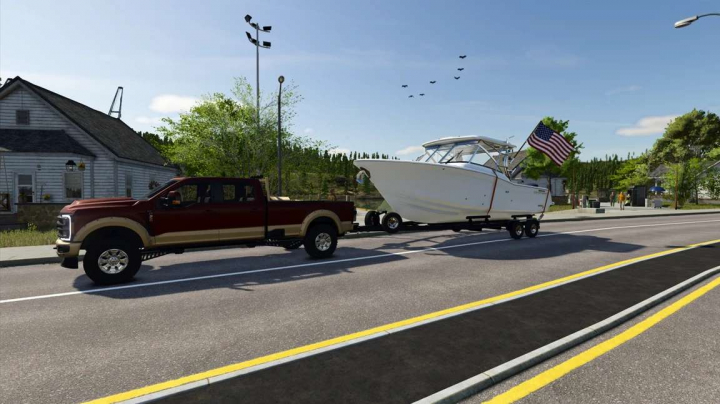

27FT Grady White Boat v1.0


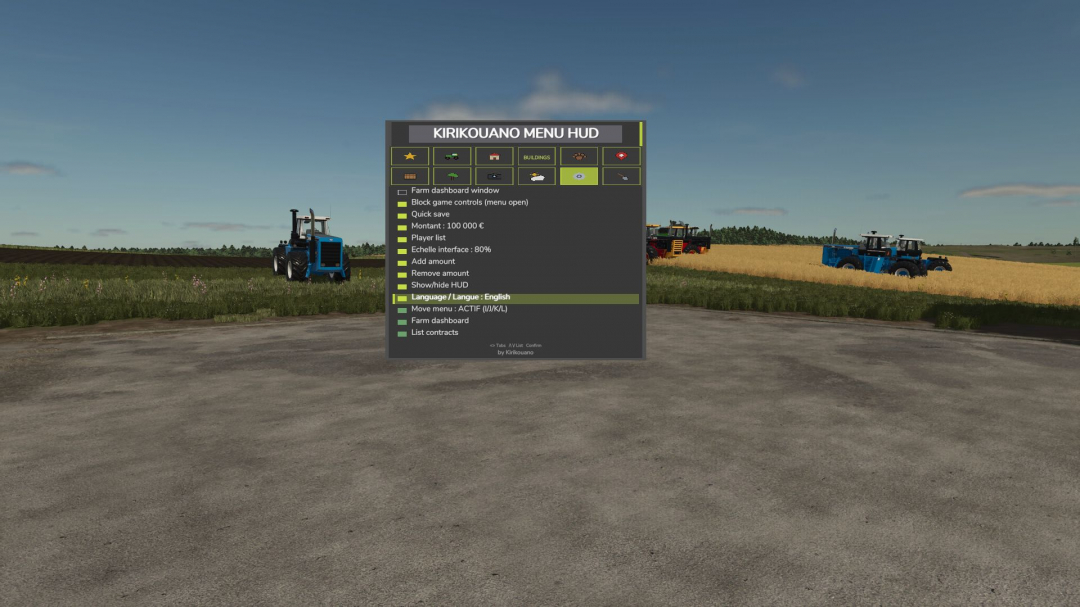
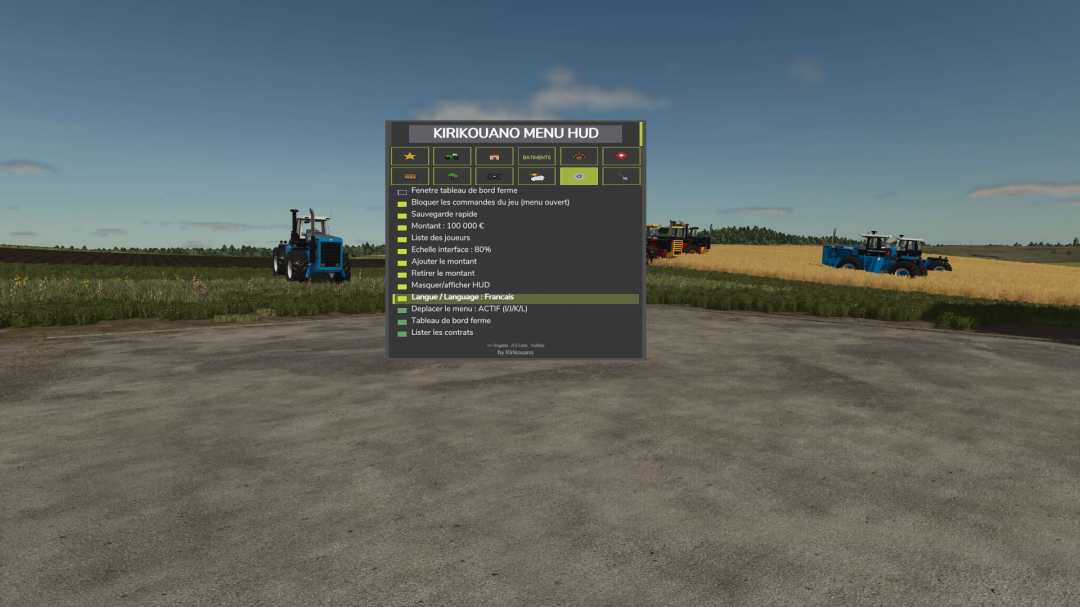
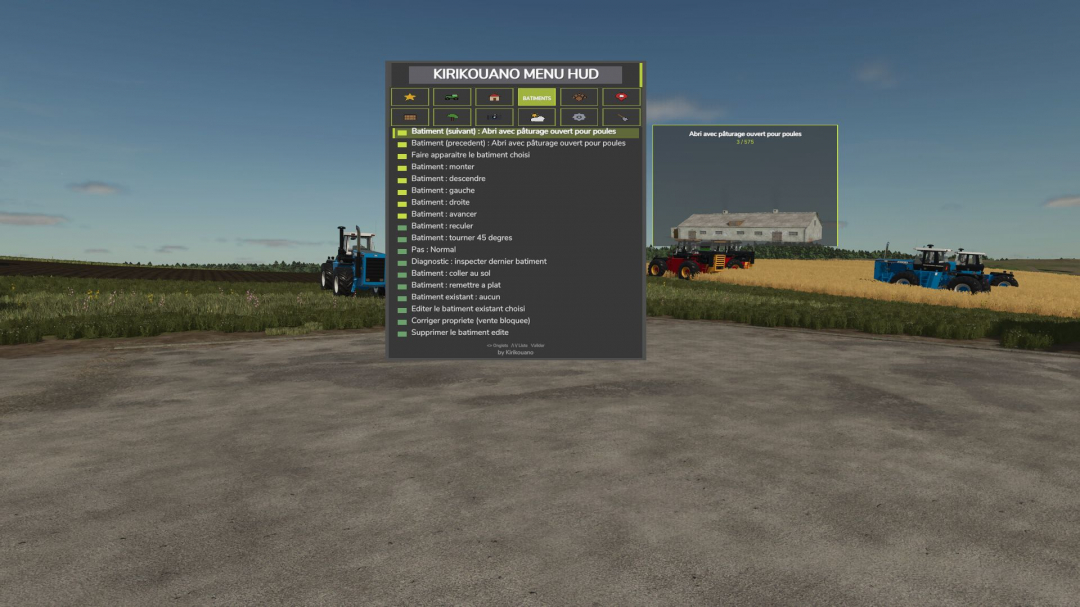
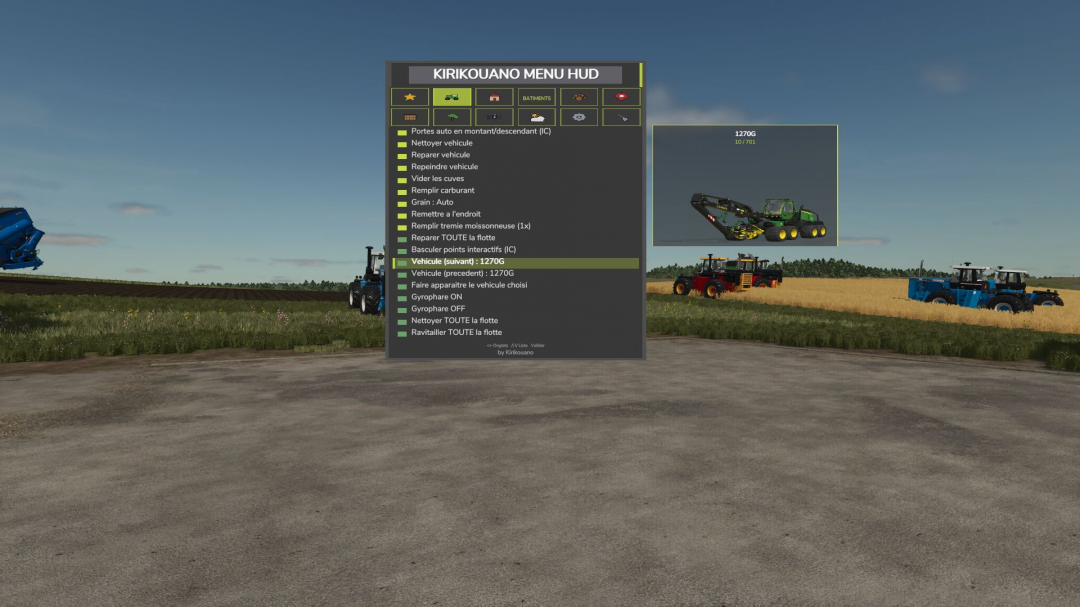
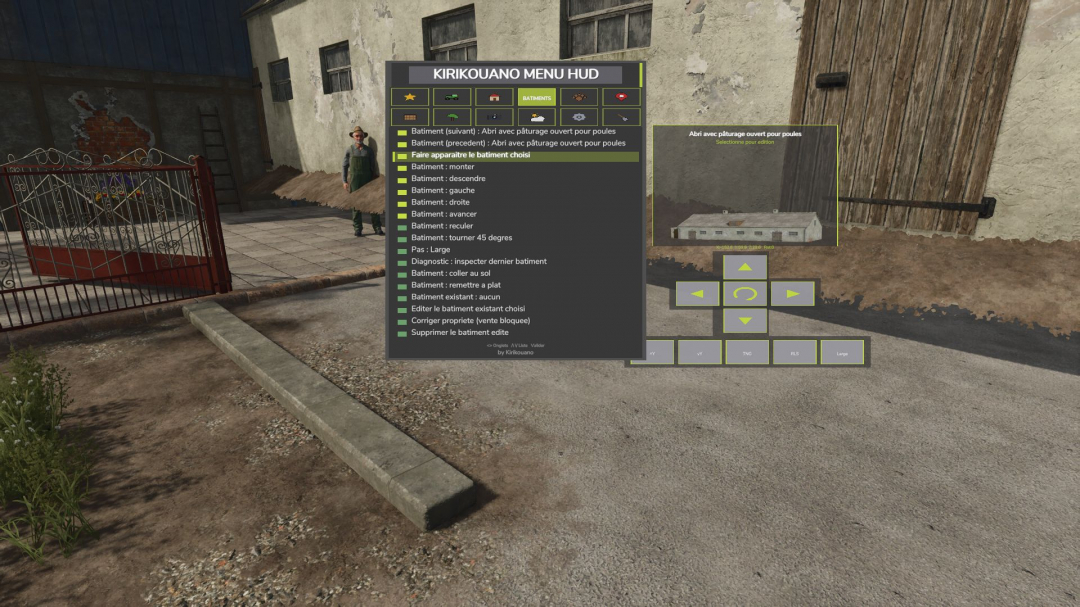
Kirikouano menu: F12 opens and closes a modular, compact panel. It features silver, full fill, no wear, flight mode, fast speed, strength, automatic doors and barriers, and free terraforming (toggle options); allows cleaning, repairing, and emptying vats, selecting grain types, spawning pallets and bales, purchasing all terrain types, editing field status, managing overturned vehicles, quick saving, and moving or recoloring the panel. Keyboard navigation defaults to wheel/click or Up/Down/Enter. Controller: buttons are not pre-assigned to avoid conflicts; assign 'KM_MENU_*' actions manually in Options > Controls > Controller if needed. The panel is navigated with the dedicated I/J/K/L keys (not arrows, to prevent conflicts with camera controls). Note: Time and Weather actions require game developer console commands and the '-cheats' launch option; all other features function without it. Version 1.3.0.0 introduces a new BUILDINGS tab: spawn any building or fence from the entire game catalog with a live photo preview of the selected object, whether in the spawn list or browsing existing structures. Use the directional cross for precise positioning: movement, rotation, and ground placement, with real arrow icons instead of text. Deletion of buildings requires double confirmation to prevent accidental removal. Repeated installations of the same building or vehicle are automatically spaced to avoid overlaps. Fence behavior: the game merges nearby fences of the same model into a continuous network; to have separate fences, choose different models for each. Merged fences can be separated via the native store. The field editor now shows a real icon preview of the selected fruit. Menu button animations mimic native game menus. The new graphic palette reflects the true colors of Farming Simulator 25 interface. Controller navigation has been fully revised: camera and vehicle controls remain unaffected when the menu is open, except on the BUILDINGS tab where the camera stays free for placement. Tab switching with keyboard and controller is fixed (previously only mouse supported). Fixes include resolving bugs preventing proper building deletion, crashes after deletion, menu getting stuck on old building previews, collision avoidance for fences and buildings when placed via the store, and issues with vehicle spawn failures and terrain placement. Various stability and reliability improvements have been made to the menu.
Comments:
Login to place a comment: Login