


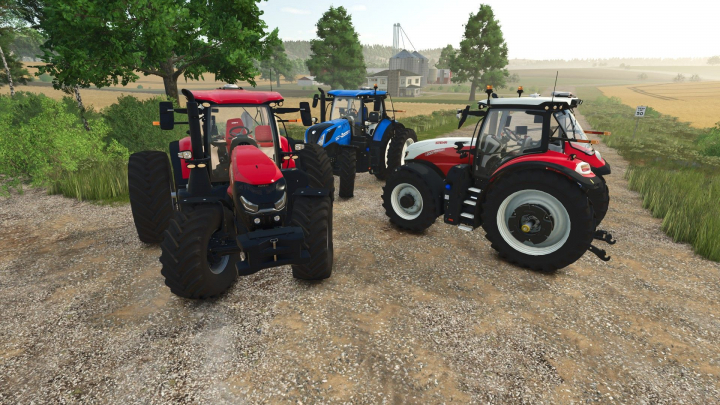

CNH/Steyr Medium Series US V1.0

3
Your rating:
maxthemodelman
 125.15 KB
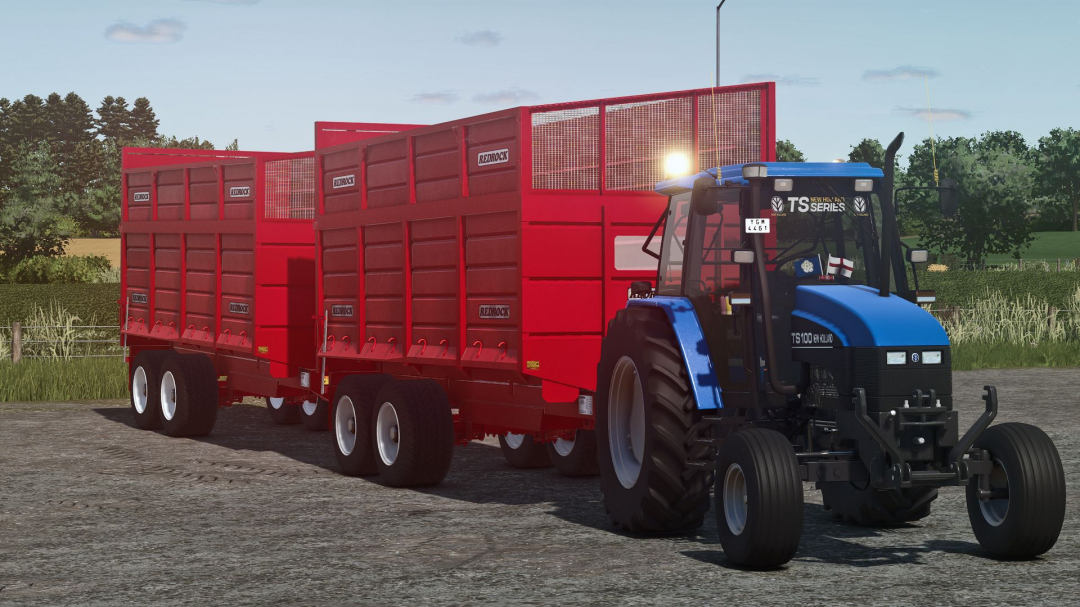
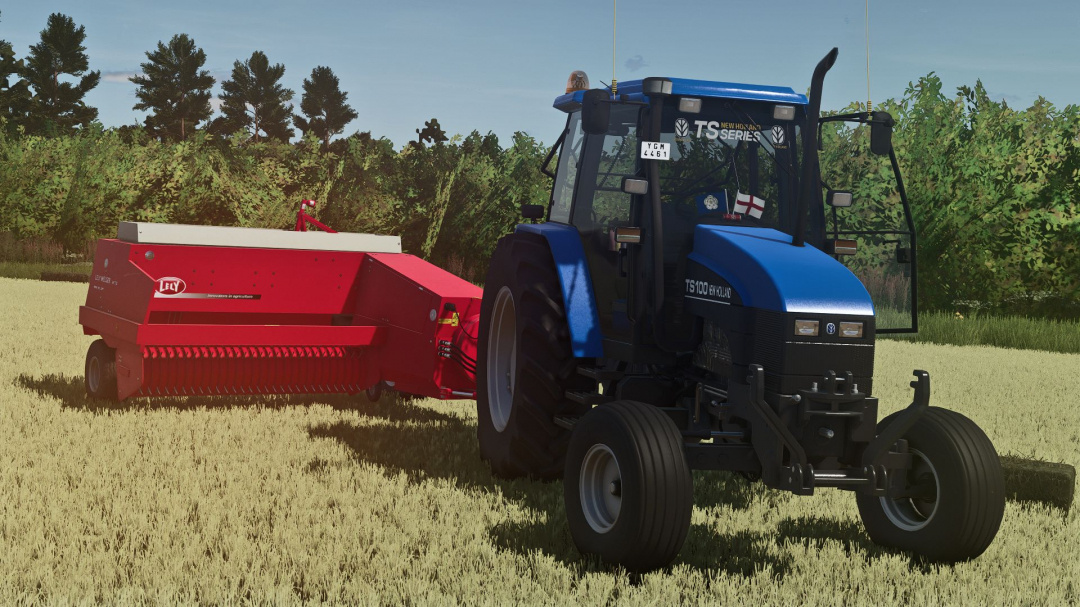
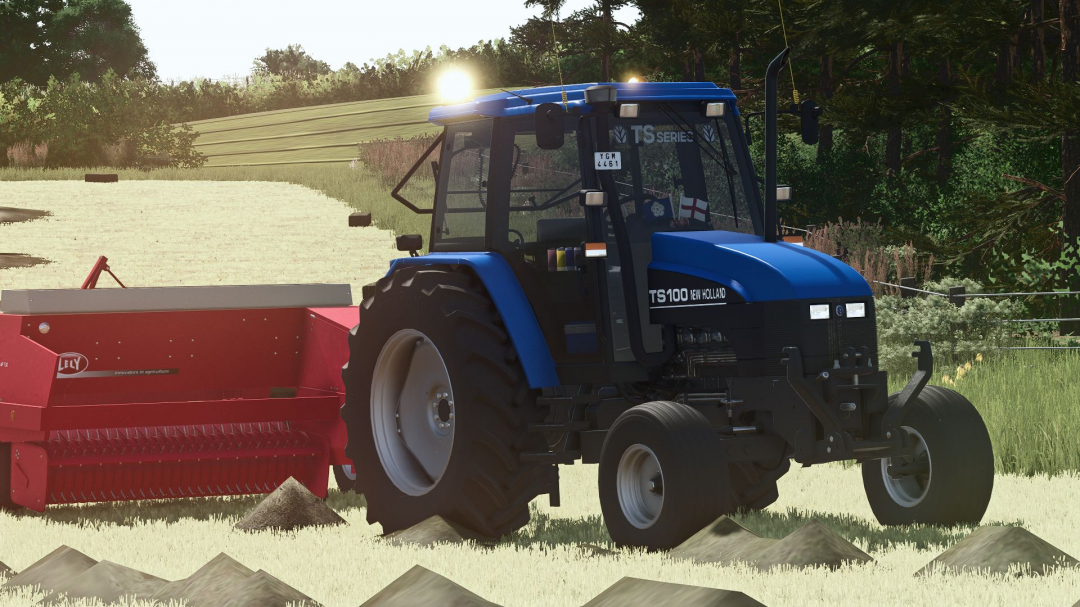
I present to you a collection of various New Holland decals for your tractor windows. Hope you enjoy! NOTE:
You need to scale it in Giants Editor, and it might appear choppy in the editor, but it should look clean in-game. Tutorial on how to add this prefab to your tractor windows
1. Download the mod and extract it to a folder.
2. Copy the extracted mod folder (it shouldn't be a zip file, just a normal folder).
3. Open your tractor i3 file in Giants Editor.
4. Import it, scale it as needed, and place it anywhere you like; it can be on your tractor.
5. Cut and paste it into the cabin or its visuals folder within the cabin folder.
6. Save the i3 file, zip all files back up, and place the mod in your mod folder. Then, test and enjoy your mod!
7. That's all—thanks for reading!
Comments:
Login to place a comment: Login