


 140.23 KB

Farm Gate Keys V1.0


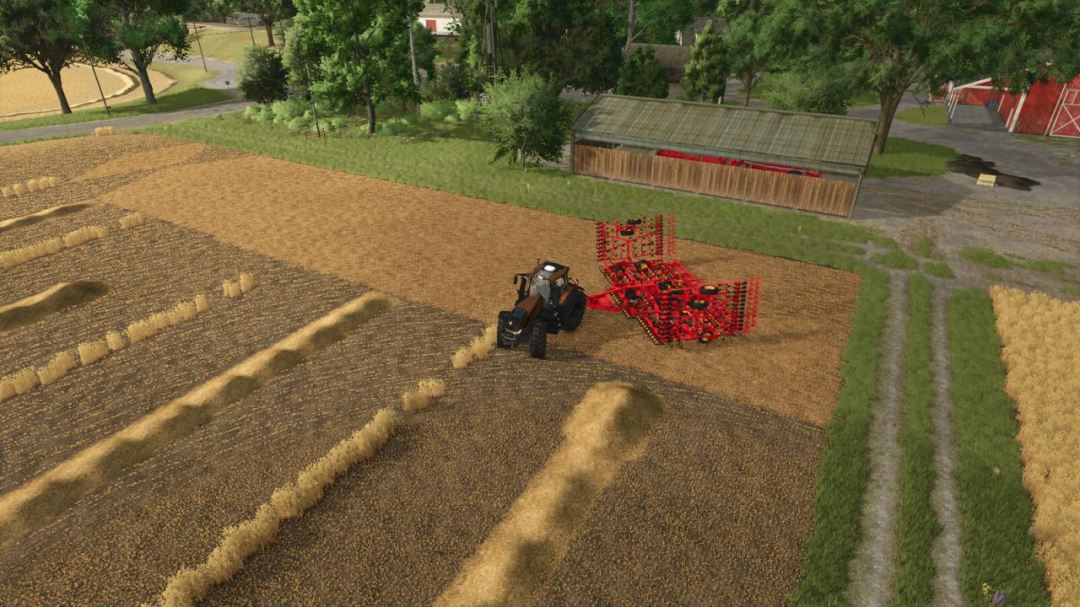
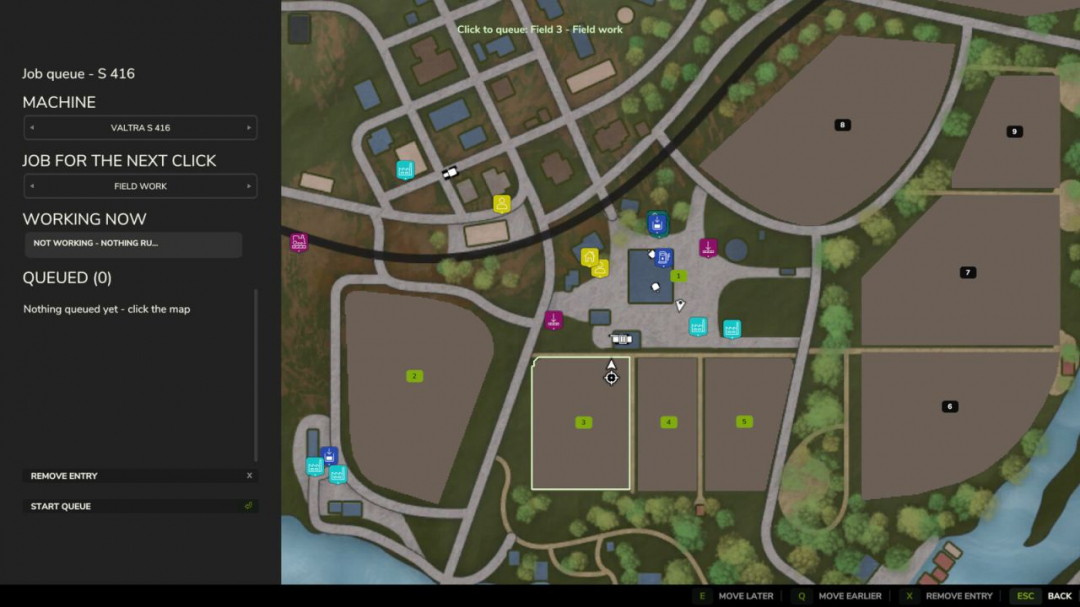
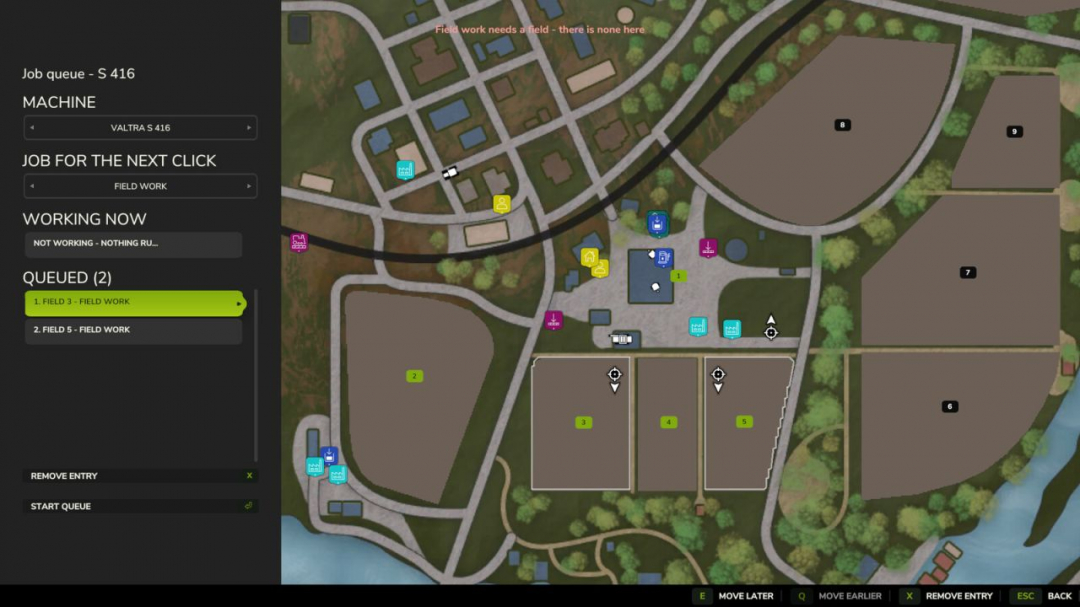
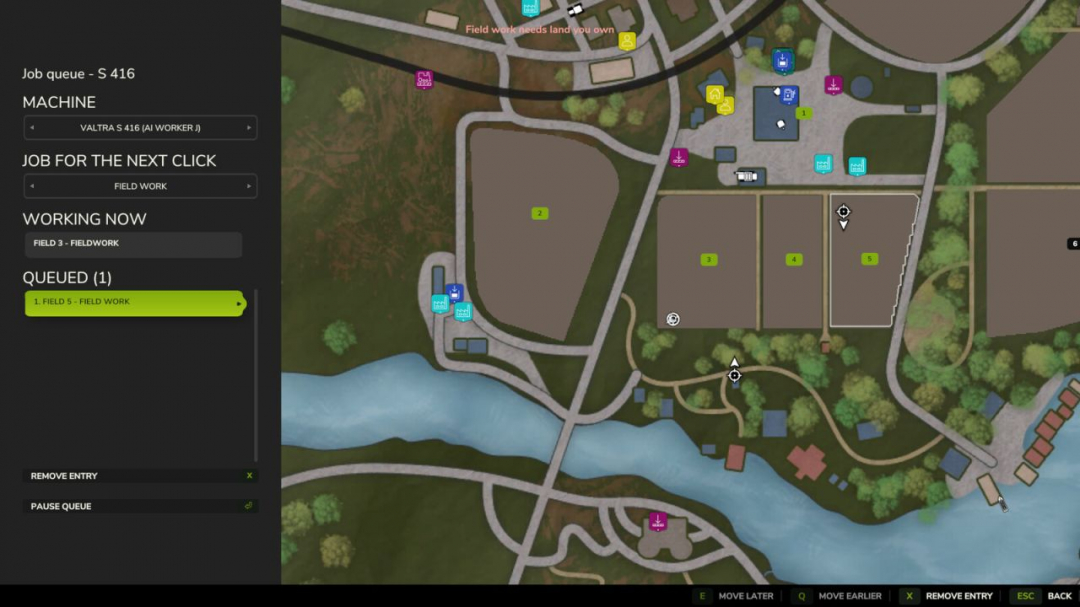
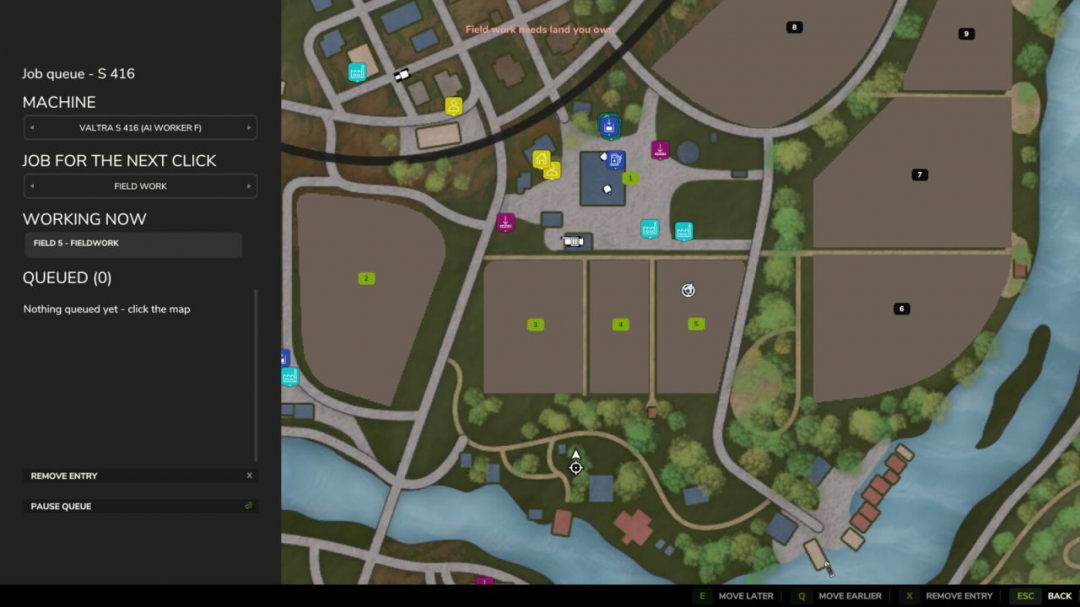
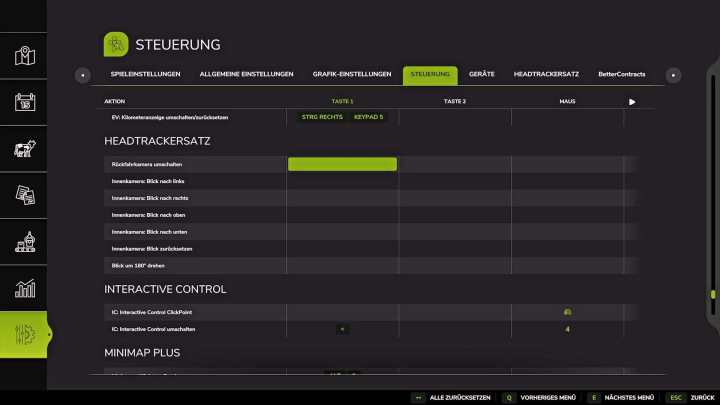
Queue multiple jobs for a single vehicle. When the hired helper finishes, the next task in the list begins automatically — field after field. A task can be either field work or driving to a location you click on. Placing a drive to the yard as the last task ensures the machine returns home at the end. The panel also displays the current job the helper is working on, so a machine already out working won't appear as idle. A queue set up behind ongoing work starts automatically, regardless of the order: whether the helper was hired first with fields queued behind, or fields were queued first and a helper was hired later. The helper cannot change implements, so every queued field is worked with whatever is attached. Hotkeys: Left Alt + Q — open the queue panel (can be rebound in the controls menu).
Comments:
Login to place a comment: Login