



AutoDrive CreativeHorizon V1.0

3
Your rating:
Zarthars
 1.94 MB
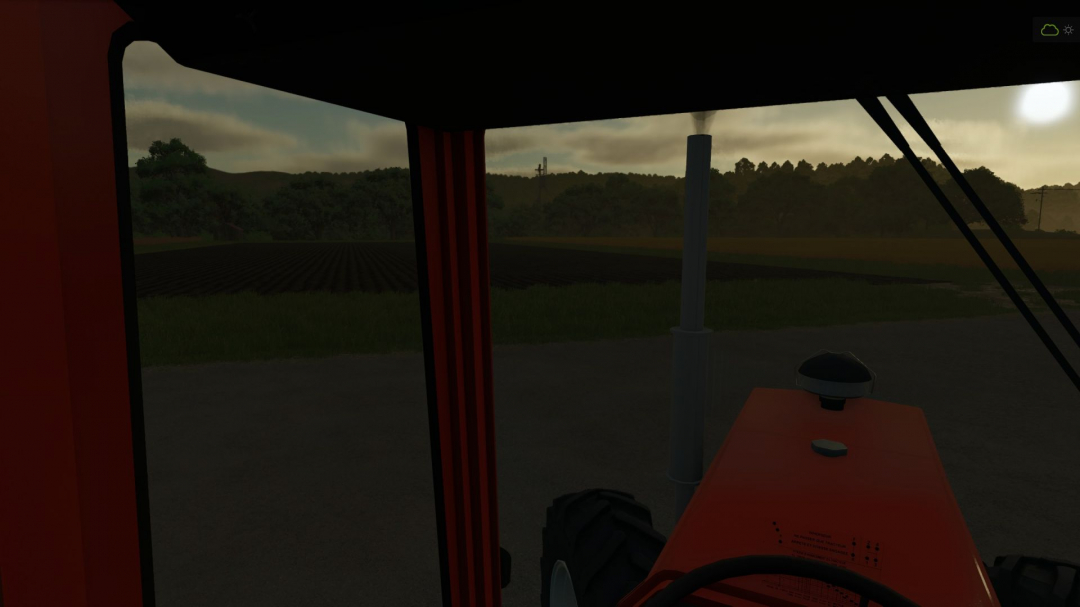
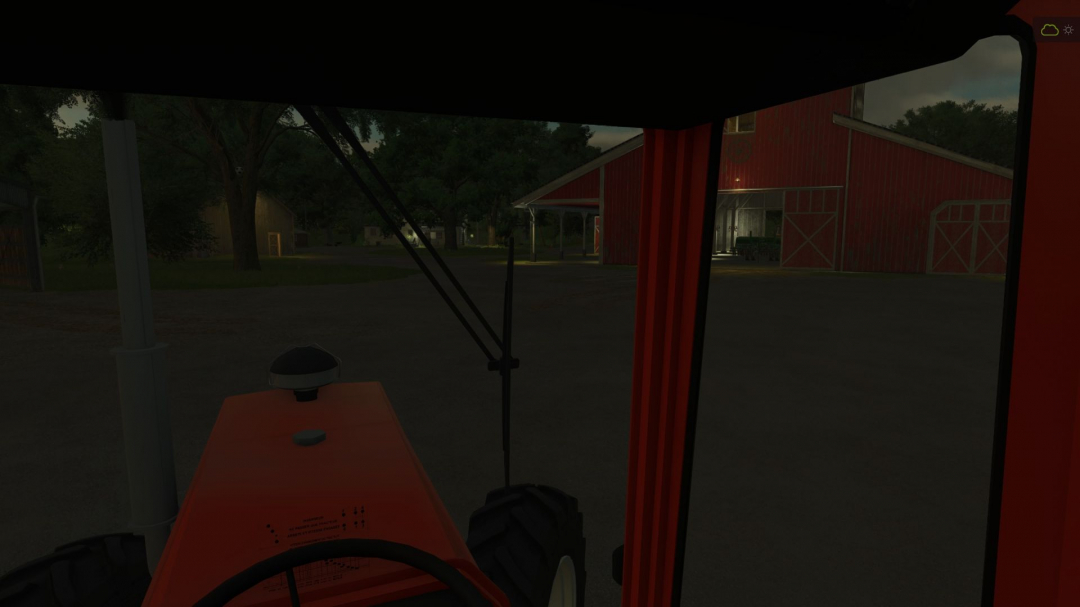
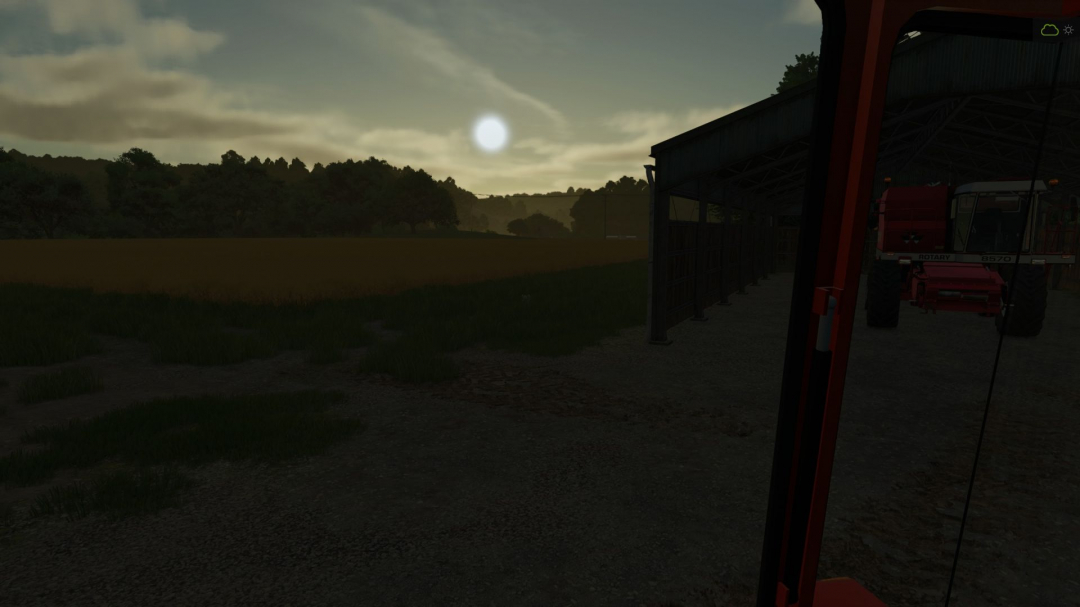
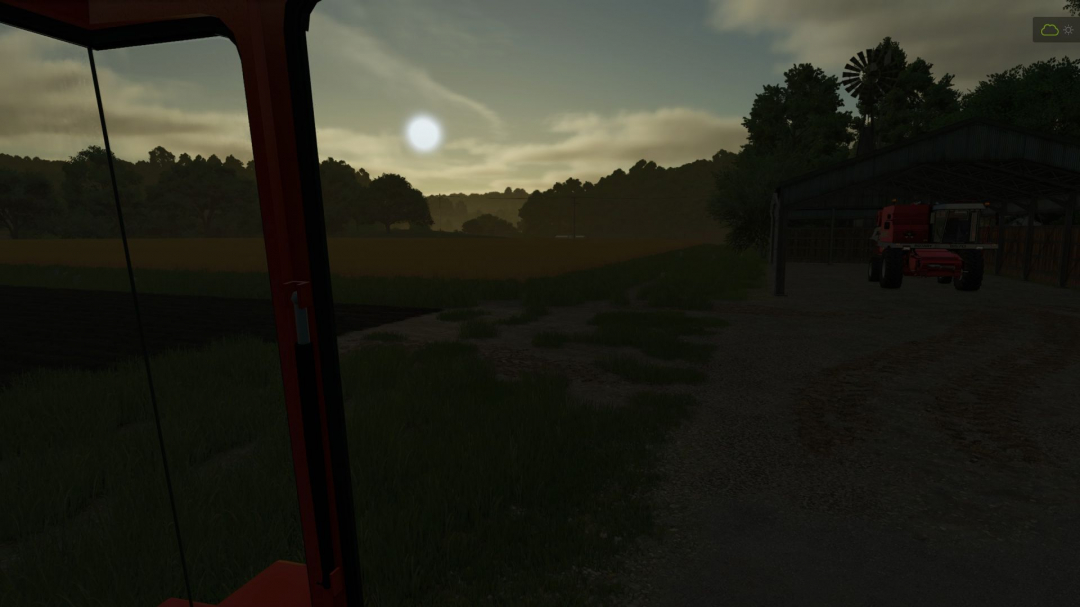
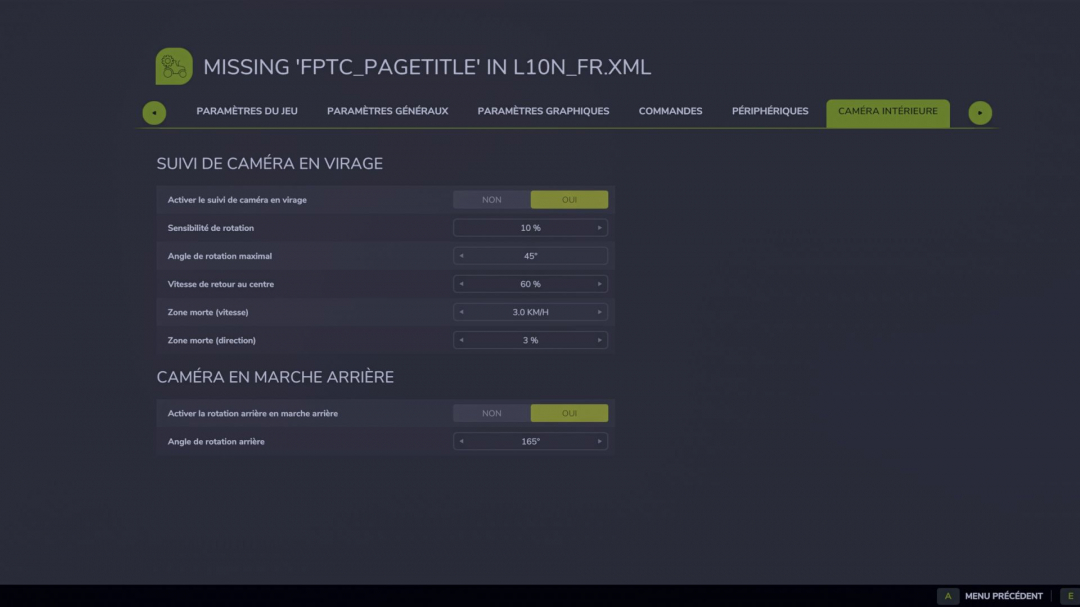
Operation: - Active only in interior view; - The camera responds to the vehicle's actual rotation; - No response if the steering wheel is turned while stationary; - The sharper the turn, the more the camera looks around the bend; - Gradual return to the center; - Automatically switches to rear view when reverse gear is engaged; - Reversing to the right: camera 165° to the right rear; - Reversing to the left: camera 165° to the left rear; - Moving straight back keeps the last detected side; - Side change occurs around the rear without returning to the front; - When moving forward, the camera gradually returns to the front; - The mouse and joystick continue to control the camera normally; - Multiplayer compatible, as the effect is only local and visual. Advanced settings: - The values are set at the beginning of the file: - src/FirstPersonTurnCamera.lua - MAX_ANGLE_DEG = maximum forward camera angle; - MIN_SPEED_KMH = minimum speed for activation; - YAW_SAMPLE_TIME = duration of the averaging to stabilize rotation; - YAW_FILTER_RESPONSE = smoothing of the vehicle's rotation; - FOLLOW_RESPONSE = speed of turning towards the bend; - RETURN_RESPONSE = speed of returning to center; - REVERSE_RIGHT_ANGLE_DEG = right rear angle (-165°); - REVERSE_LEFT_ANGLE_DEG = rear left angle (+165°); - REVERSE_SIDE_SWITCH_YAW_DEG = rotation needed to switch sides when reversing; - REVERSE_SIDE_MIN_SPEED_KMH = minimum speed to detect reversing side; - REVERSE_FOLLOW_RESPONSE = speed of pivoting backwards; - REVERSE_RETURN_RESPONSE = speed of returning after reversing. - Version 1.0.1.0: Removed stuttering caused by irregular physics updates. - Version 1.1.0.0: Added automatic camera rotation when switching to reverse. - Version 1.2.0.0: Added rear left and rear right views depending on the actual recoil direction. Installation: - Place the ZIP file directly in: Documents/My Games/FarmingSimulator2025/mods - Then activate the mod in the save. V1.3.0.0: - IN-GAME SETTINGS 1. Open the pause menu with ESC. 2. Open the SETTINGS page of the game. 3. Select the INDOOR CAMERA subcategory. - Settings now follow the native FS25 layout. - No separate pages or blank panels are created. OPTIONS: - Activate turn tracking - Sensitivity - Maximum angle - Speed of return to center - Minimum activation speed - Steering dead zone - Enable automatic rear view - Rear corner Note: The automatic rear view remains disabled on harvesting machines provided by the mod.
Comments:
Login to place a comment: Login