


 4.21 MB
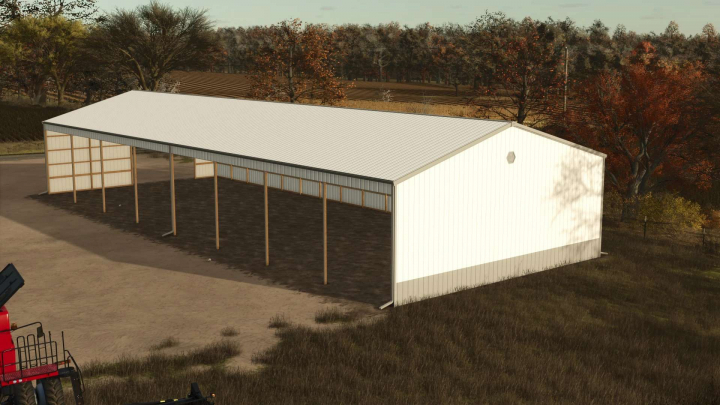

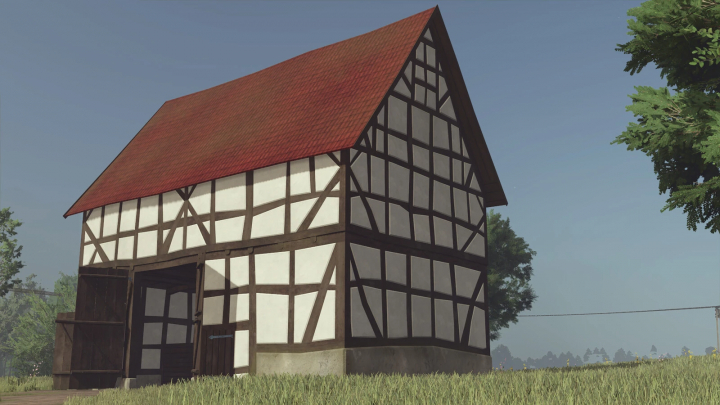
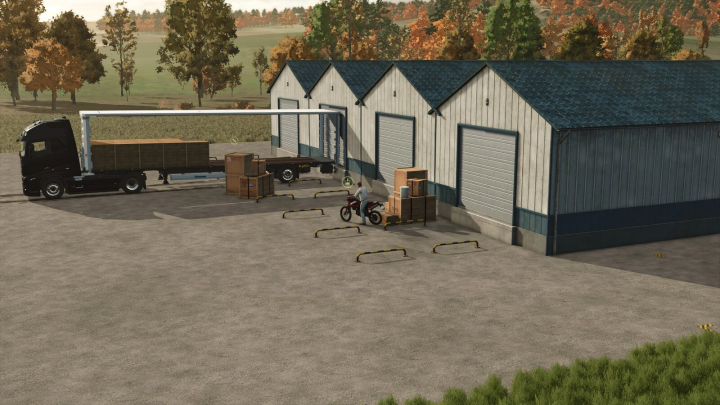
Morton Shed Pack v1.0


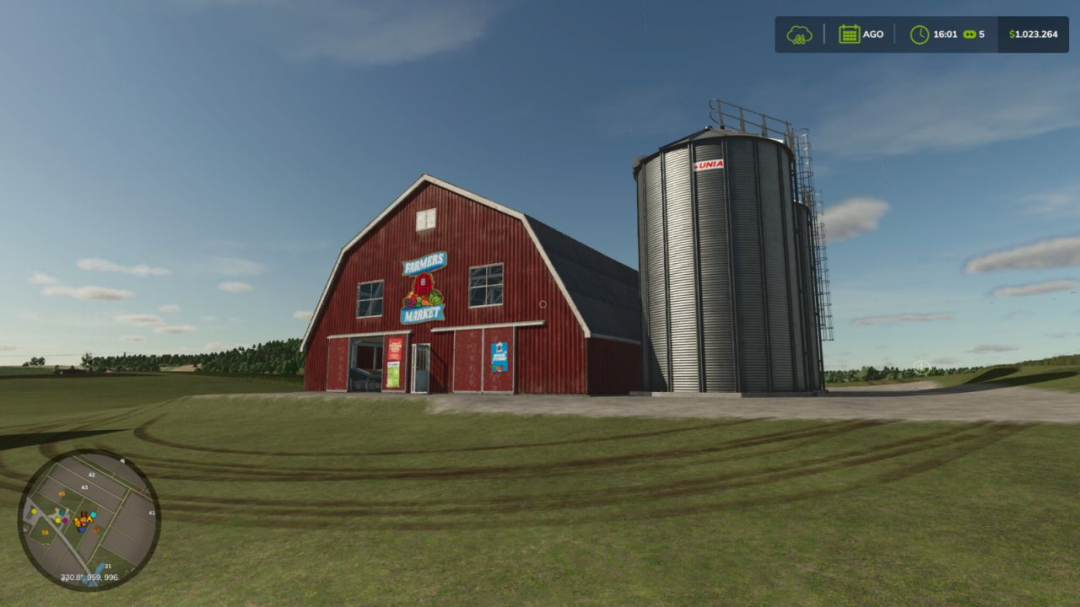
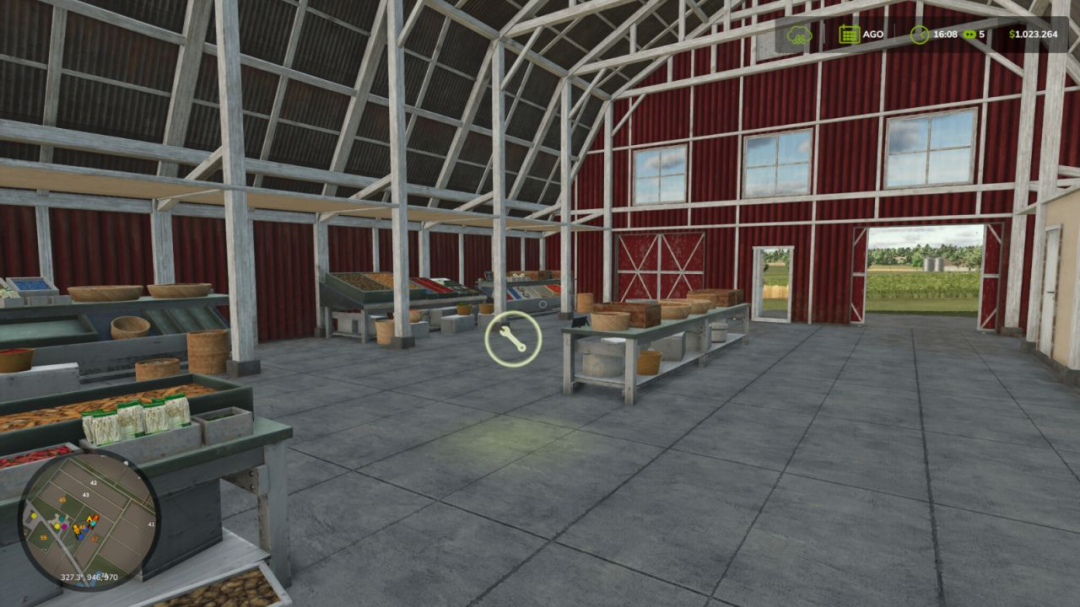
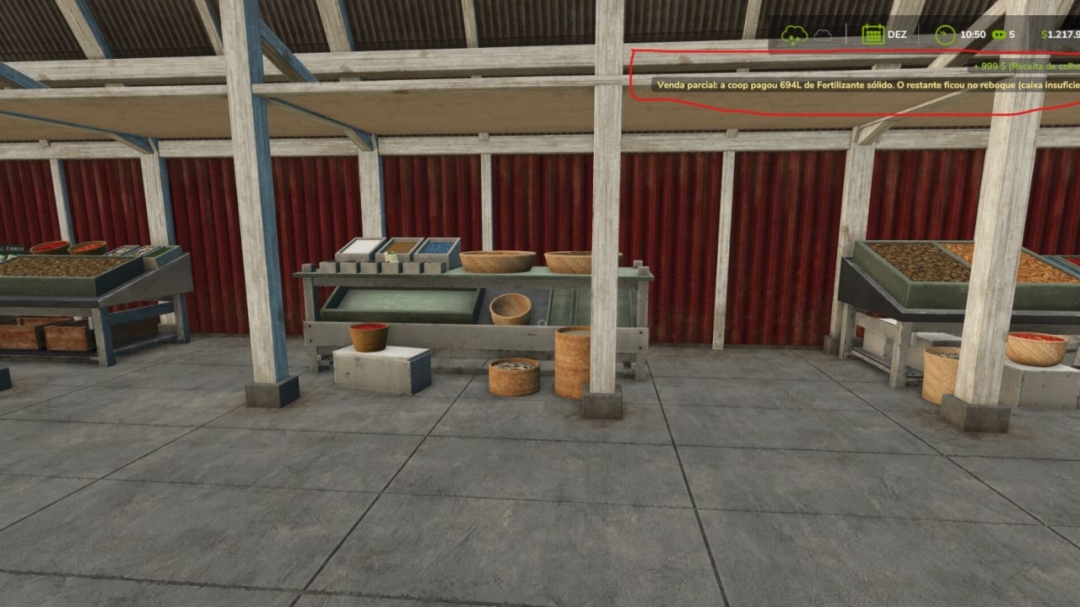
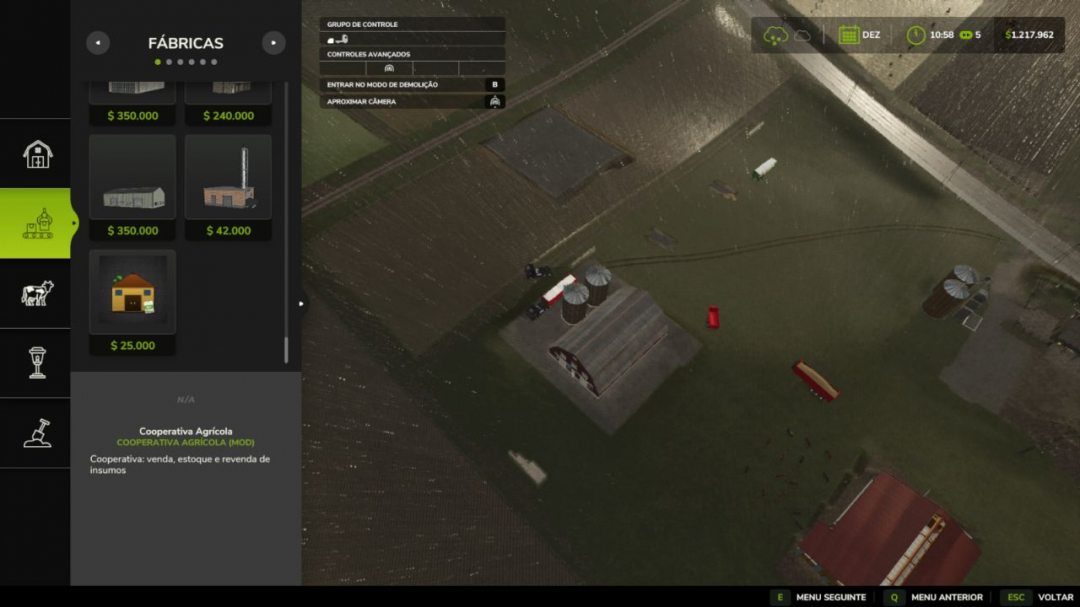
Transform your farm into a true Multiplayer Agricultural Cooperative, where all producers can trade with each other through a centralized purchasing, selling, and storage system. Ideal for multiplayer servers seeking more realism, a dynamic economy, and teamwork.
How the Cooperative works
The first farm to establish the cooperative becomes responsible for its management. From that point on, all other players can use the cooperative to sell their products.
Product Negotiation
Producers can sell their products to the cooperative for a configurable percentage of the market price.
Producers can also purchase products available in the cooperative’s stock for a configurable price.
The cooperative functions as an agricultural distribution center, allowing you to store products, redistribute them among members, and create your own economy within the server.
Compatible with virtually all types of game products, including grains, milk, wood, fruits, seeds, fertilizers, and products added by compatible maps or mods.
Cooperative Resources
Administration Panel
Access the panel via Shift + M to configure:
- Percentage of cooperative purchase
- Percentage of cooperative sales
- Storage capacity
- General system settings
Stock Control
Follow in real time:
- Stored products
- Available quantity of each item
- Input and output movements
- Complete management of cooperative resources
Collection and Withdrawal System
With a trailer or tank positioned in the loading area, products are transferred directly.
Products that use pallets can be physically picked up next to the cooperative.
Purchase, sale, and withdrawal take place at the same location, simplifying logistics for members.
Full Multiplayer
Fully synchronized for multiplayer.
All players see the co-op markers, menus, and information.
Stock, configurations, and movements are updated in real time.
Data is automatically saved in the savegame.
Compatible with dedicated servers.
Default Settings
- Sale to cooperative: 90% of market price
- Purchase at the cooperative: 120% of market price
- Initial capacity: 100,000 liters per product
All values can be changed by the cooperative administrator.
How to Use
- Open Construction mode.
- Search for Agricultural Cooperative.
- Position the cooperative on the map.
- The first farm to build the cooperative becomes the administrator.
- Approach it and press E to open the menu.
- To sell, park the loaded vehicle in the trading area.
- To purchase, select a product available in stock.
- To manage the cooperative, use Shift + M.
- Manage stored products through the Stock tab.
Create a Cooperative Agricultural Economy
Organize server production, share resources between farms, centralize stocks, and strengthen the community economy through a fully functional agricultural cooperative integrated with multiplayer.
V1.1.0.0
This update focuses on data, visibility, and financial health. The cooperative now records all transactions, shows a complete history to the owner, notifies about movements, and safeguards against loss of products or money during sales and purchases.
Top News
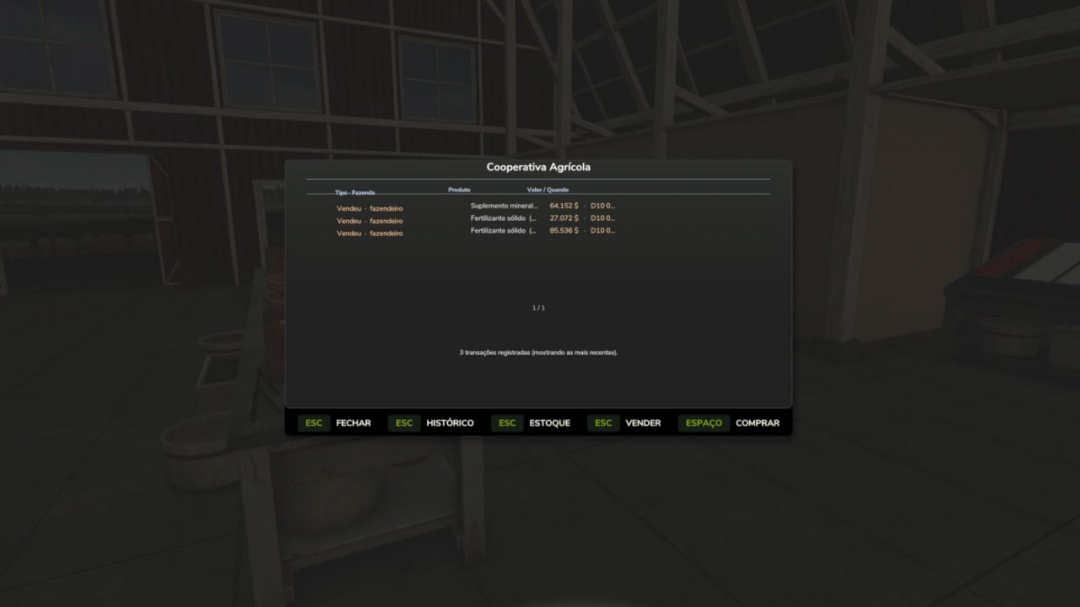
- Transaction history system
- The cooperative now records all purchases and sales
- New History tab (owner exclusive) shows the last 50 transactions
- Each record displays: operation type, farm name, product, quantity, value, and game date
- History with colors (green for inputs, orange for outputs) organized in columns
- Data persists in savegame; history continues after closing and reopening the game
- Real-time notifications
- The owner receives on-screen alerts whenever another farmer buys or sells in the cooperative
- Shows the farm name, product, quantity, and value moved
Name of farms
Instead of “Farm 2,” history and notifications now display the actual farm name.
Protection on Partial Sales (Important Fix)
When the cooperative lacks sufficient cash to cover an entire sale, it now only purchases the amount the money allows.
The remaining product stays in the seller’s trailer; no product is lost without compensation.
Purchase Surplus Reserved (Important Correction)
When buying more than the trailer capacity, the excess is reserved as a pending order.
The player can return with another trailer to collect the remaining items; nothing is lost.
Manual Quantity Entry
In addition to the +/? buttons, you can now directly enter the desired quantity.
+/? buttons feature adaptive steps (larger increments at higher values).
Cleaning and Adjustments
Obsolete structures (separate silo and collection point) have been removed; everything is now unified within the cooperative.
Configurable buy and sell spreads from 10% to 50% via the owner’s Shift+M panel.
Increased purchase limits.
Comments:
Login to place a comment: Login