


 345.40 KB
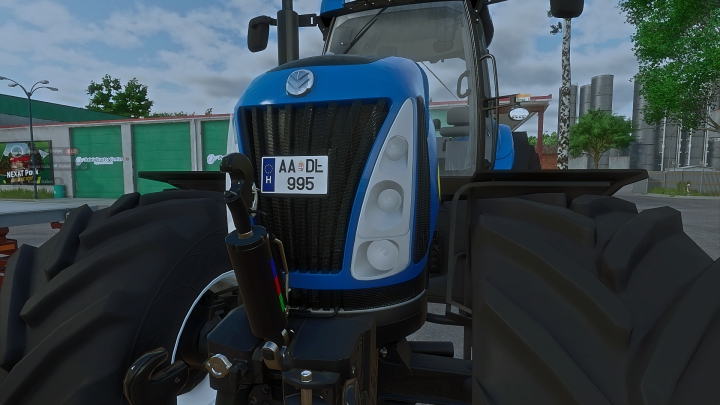

Hungarian License Plate(Mod)


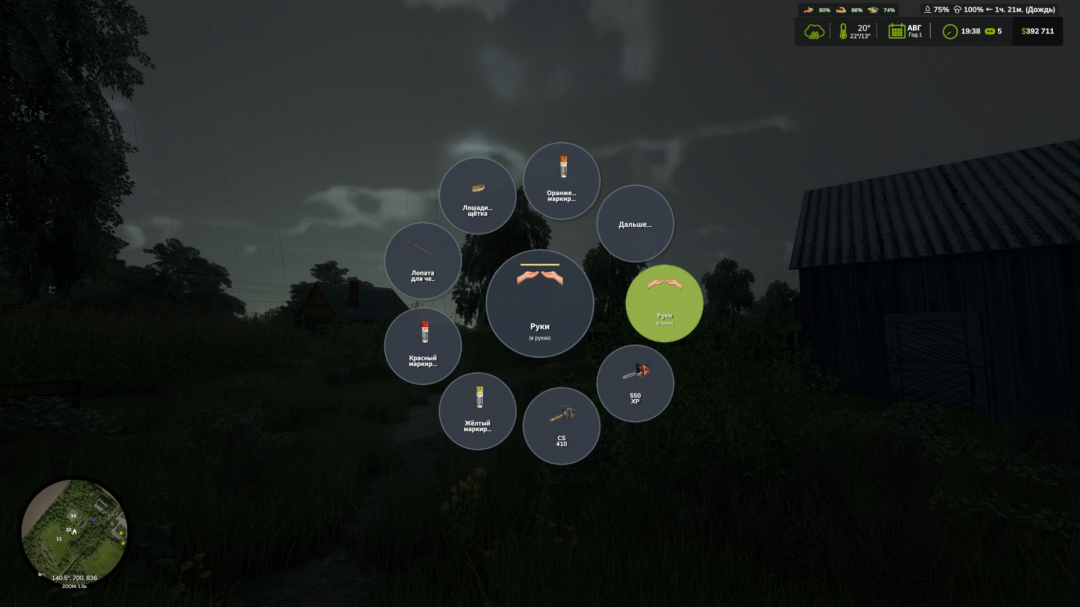
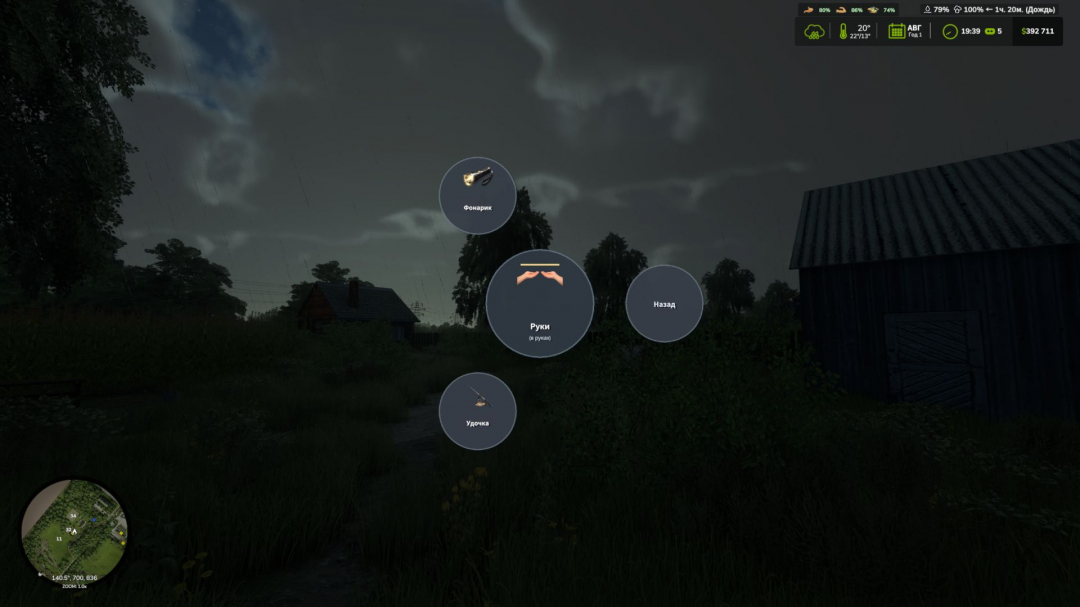
Convenient radial menu for quick selection of portable hand tools.
You no longer need to switch tools one by one, going through your entire inventory. Open the radial menu, move the cursor over the desired item, click on it with LMB, and pick it up immediately.Management:
H – open the radial menu of hand tools.
Select the Hands slot to remove the tool.
If there are many tools, use the “Next...” and “Back” sectors to switch pages.V1.0.2.0
Added the option to completely disable controls when opening the menu, preventing tools from activating when switching by pressing LMB.
Fixed an issue where pressing the H button to open the menu would open it even if it was changed in the controls.
Comments:
Login to place a comment: Login